
Loading workspace
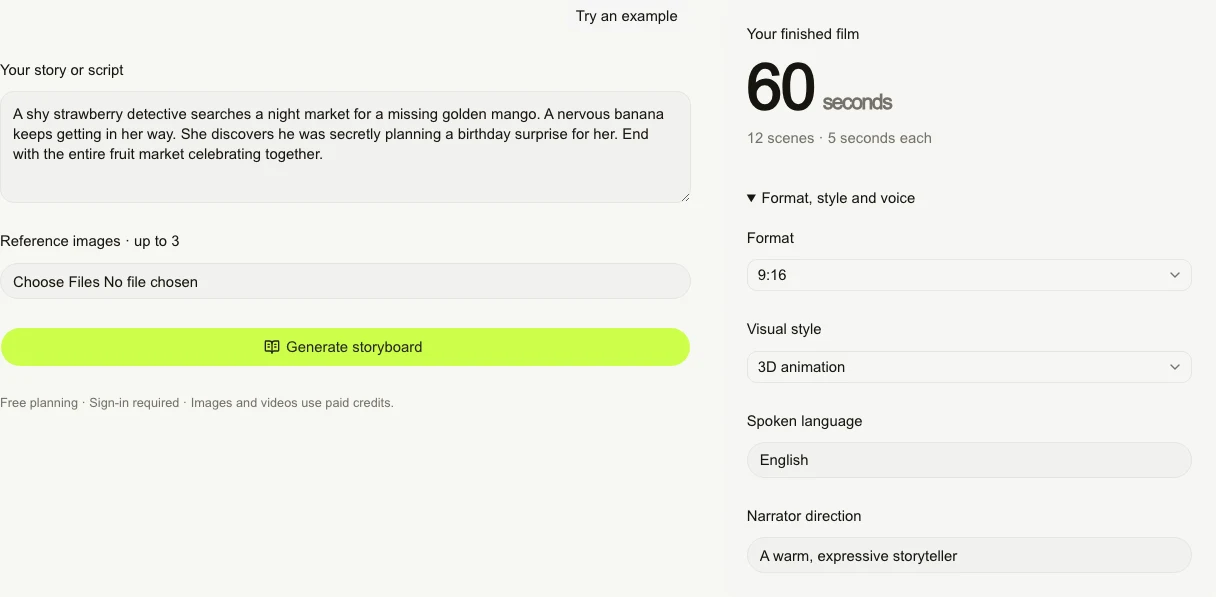
Follow one example through the real workspace. Review the cast and 12 scenes, generate the media, then assemble your film.
Write or paste your story, optionally add up to three reference images, and choose the format, style and voice direction. Click “Generate storyboard” and sign in.
What you get
An editable plan with up to three recurring characters and 12 five-second scenes. Planning uses no credits.
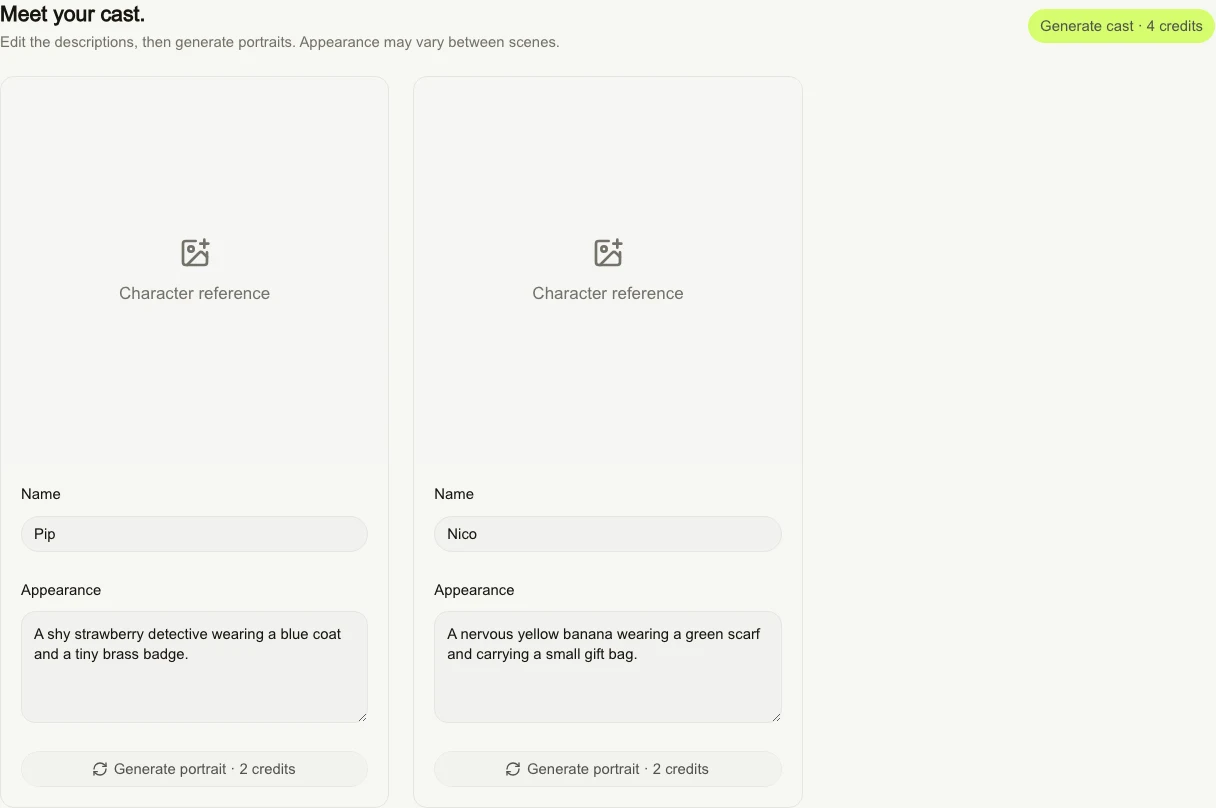
Review each character’s name and appearance. Edit the descriptions, then click “Generate cast” for everyone or “Generate portrait” for one character.
What you get
Character portraits that guide the scene images. Portraits cost paid credits; references guide appearance, but likeness can vary.
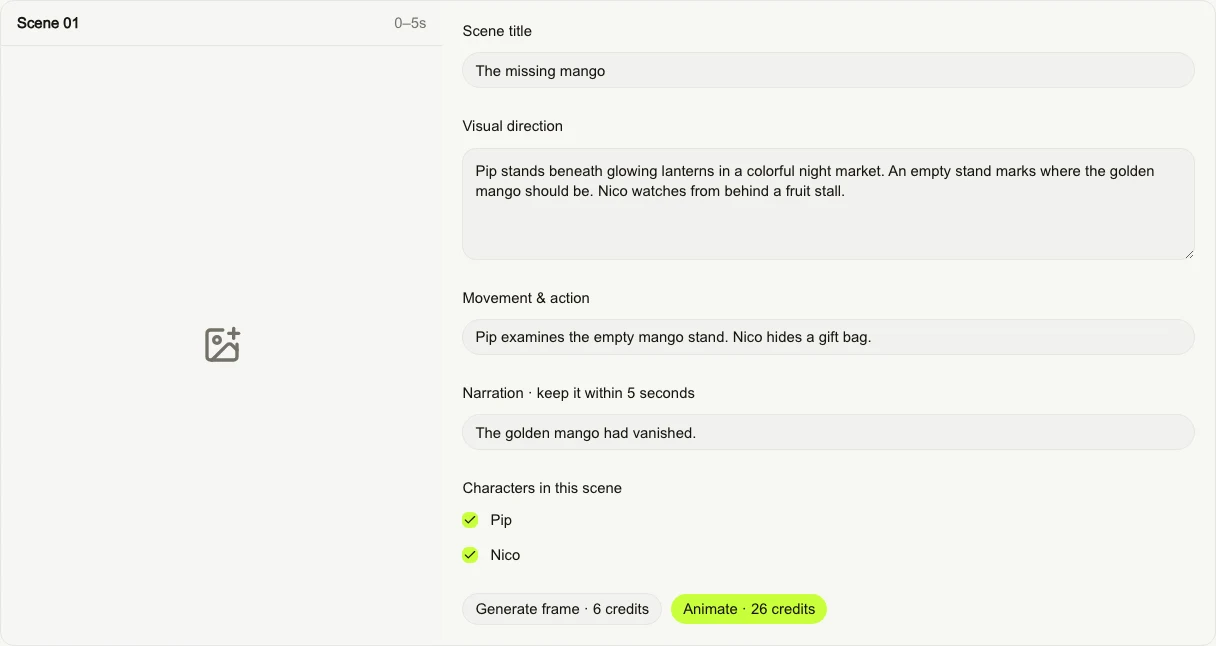
Review the scene title, visual direction, movement, narration and cast. Generate a frame and animate one scene, or use “Generate frames” and “Animate all” for the whole story.
What you get
Opening-frame images and five-second video clips you can preview scene by scene. The buttons show the credits needed, including missing dependencies.
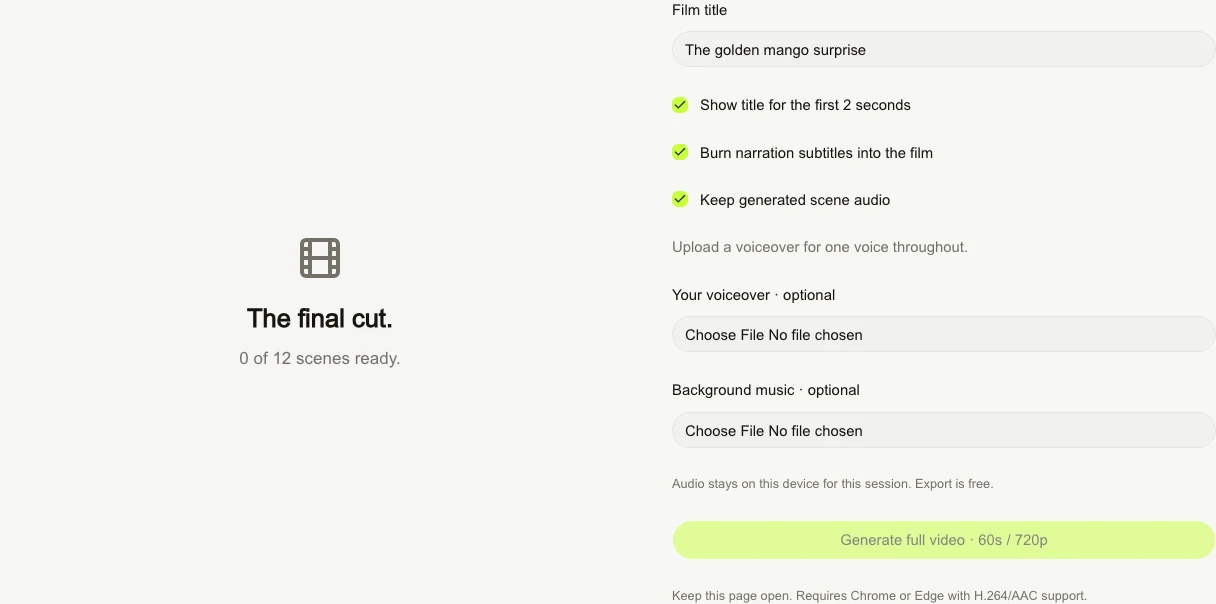
Once all 12 clips are ready, choose the title, subtitles and scene audio. Optionally upload a voiceover or music, then click “Generate full video”.
What you get
One 60-second, 720p MP4 to preview and download. Export runs on your device and costs no credits; keep the page open until it finishes.
It creates the story plan and opens Cast. You review the characters and scenes, generate images and clips, then assemble the finished MP4 in Finish.
Planning uses no credits. Portraits, scene images and animation use paid credits, with the amount shown on each generation button. Regenerating creates another paid generation. Local MP4 export uses no credits.
Generated voices can vary between scenes. For a continuous voice, upload your own recorded voiceover in Finish. Adding a voiceover turns off generated scene audio by default.
Use Chrome or Edge with H.264/AAC encoding support. Drafts stay in this browser for your account; they are not cloud-synced projects. Uploaded audio lasts for the current session. Download the finished MP4 to keep it.
Start with your story. You can review the plan before spending credits.
Back to my story