 Open in ChatGPT
 Open in Claude
01
Write your fruit story
Describe the moment, conflict, joke, or reveal you want to bring to life.
Turn your ideas into talking fruit videos, funny stories, and fruit dramas. Sign in to see your available credits.
Loading history…
Story Workshop
Decide how you want AI to help
Choose a conversation starter, review the brief, then open it in your preferred AI chat.
Choose a starting prompt.
1680/5000
Work with the AI to develop a complete story, a character guide, and a prompt for each video clip.
Open in your preferred AI chat.
When your prompts are ready, paste one clip prompt into Simple to generate a video. Assemble your clips in Studio.
Your prepared prompt is sent to the service you choose and may appear in its URL, browser or account history, and logs. That provider's terms and privacy policy apply.
What you can make
Start with one clear story beat and turn it into a focused fruit video for TikTok, Reels, or YouTube Shorts.
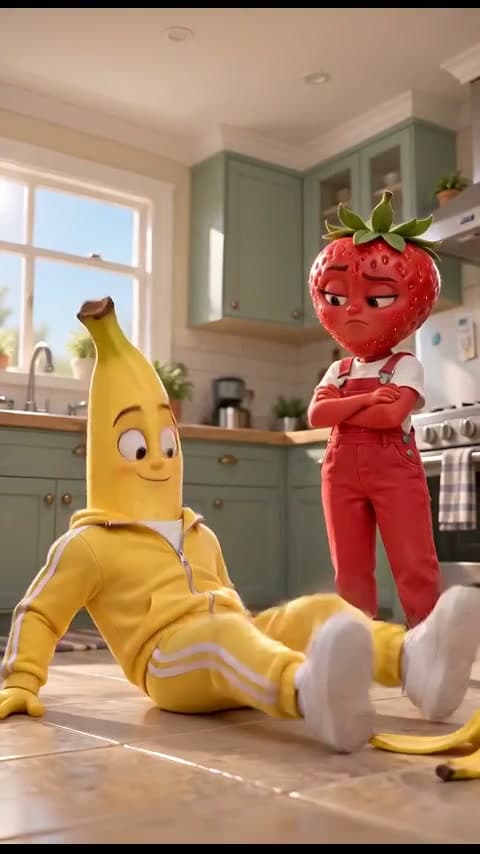
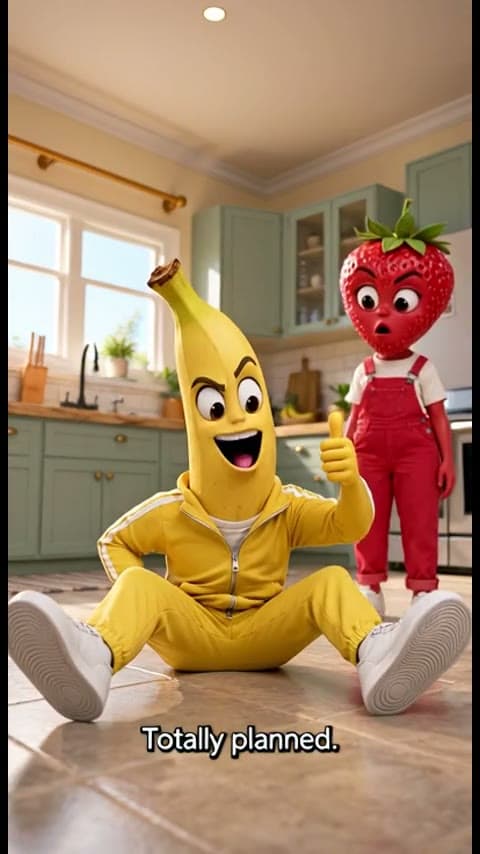
We gave five video models the same banana-peel joke. Our covers acting, voices, character consistency and subtitles to help you choose one for your next scene.
Our pick for this story: Seedance 2.0 Mini.
Same story. Different results.
Agent
Explore an idea with Agent, find your characters, and connect the steps into a video workflow. Start with one prompt or build the story as you go.
How it works
Write your story, choose the characters and scene, and generate a ready-to-share clip in one focused workflow.
Describe the moment, conflict, joke, or reveal you want to bring to life.
Why AI Fruit Video
Get the fruit-video quality you came for, with less trial and error.
3 min
First shareable clip
A finished 5-second story clip
1 stage
Story to shareable clip
Story · Generate · Share
Curated tutorials
Four practical YouTube walkthroughs for turning a fruit-story idea into characters, connected scenes, and a finished video.
The YouTube player loads only after you press play.
01 / 04
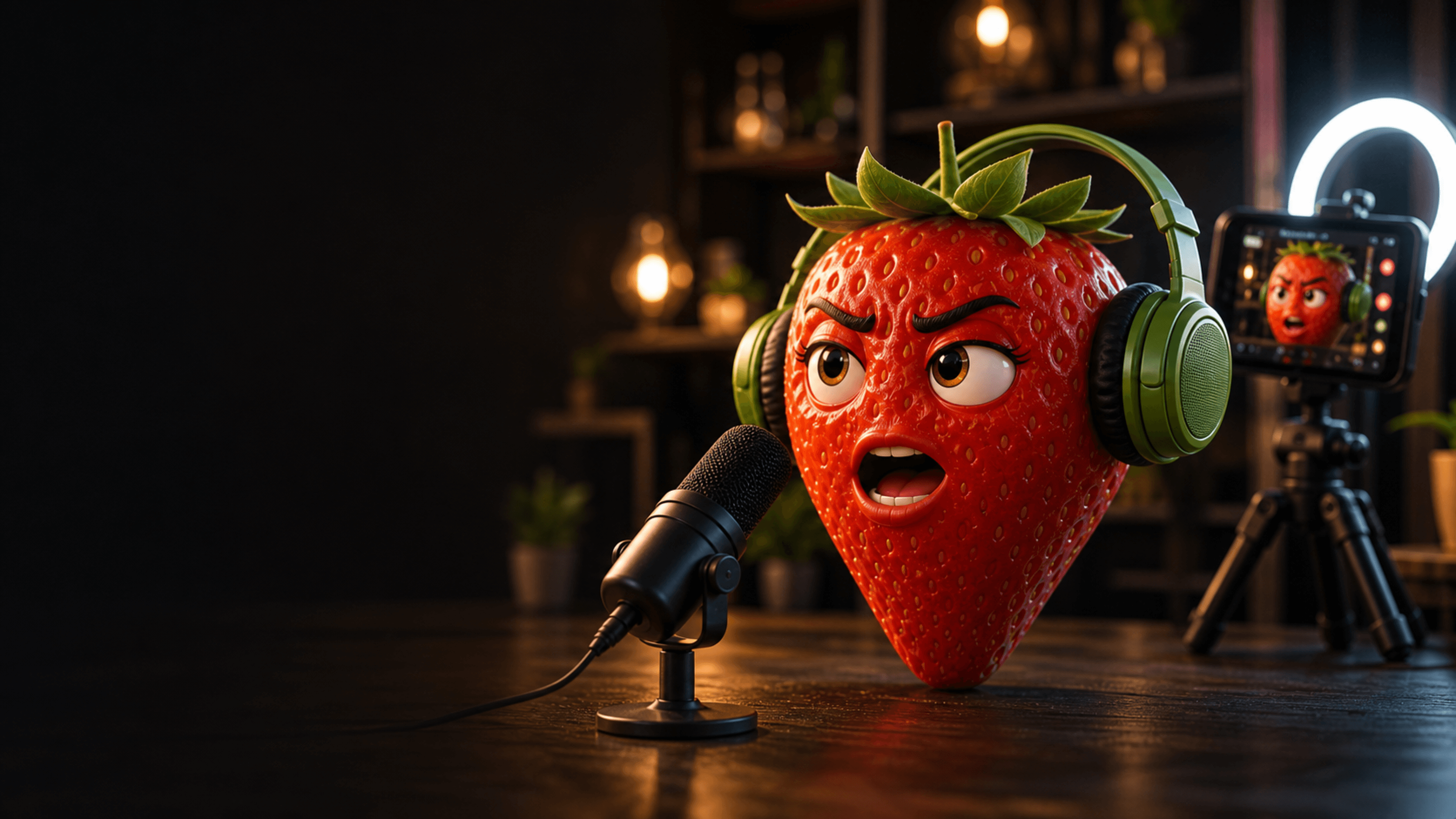
AI Fruit Video Generator
Write a short fruit story, choose your characters and scene, then generate a vertical video ready to preview and download.
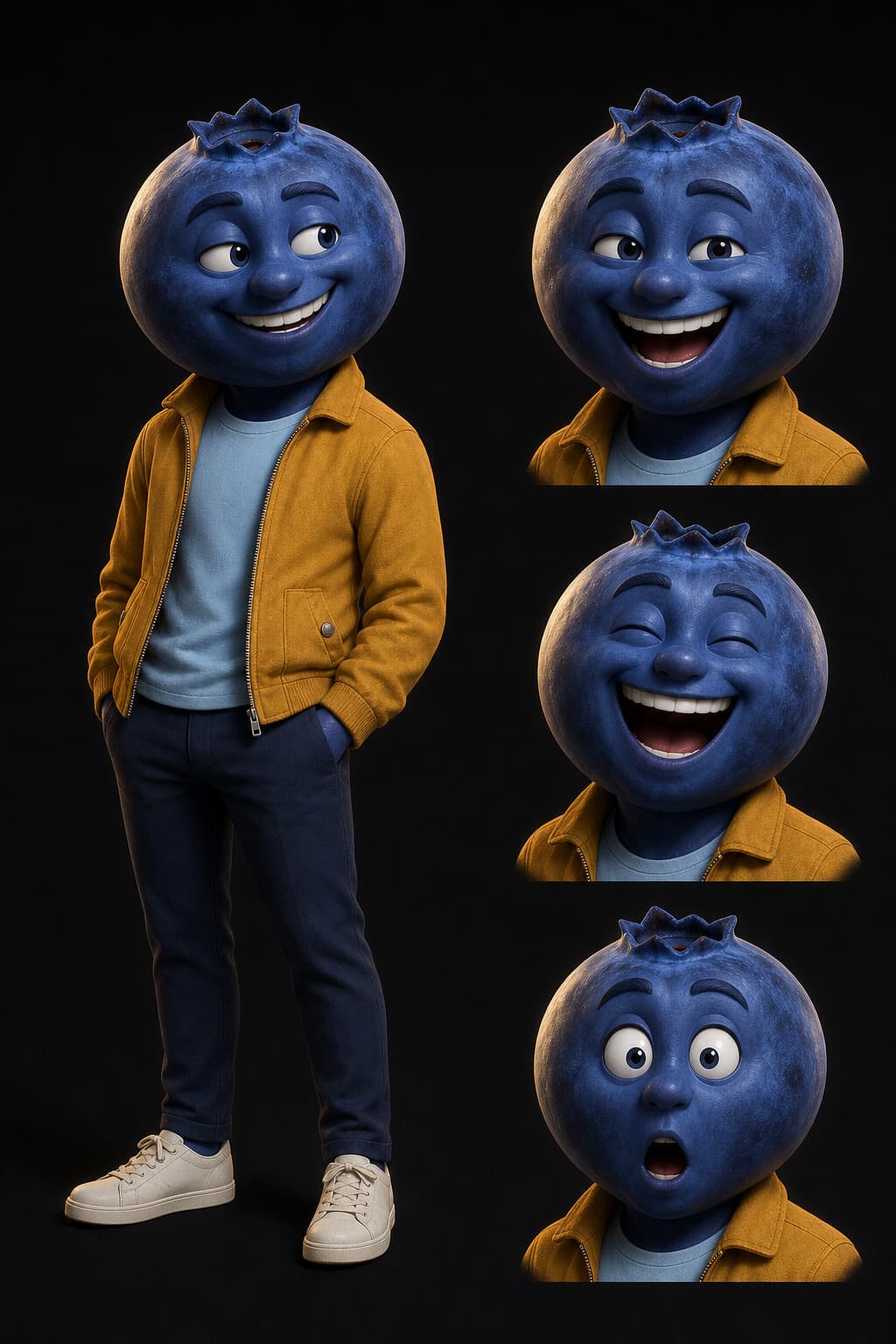
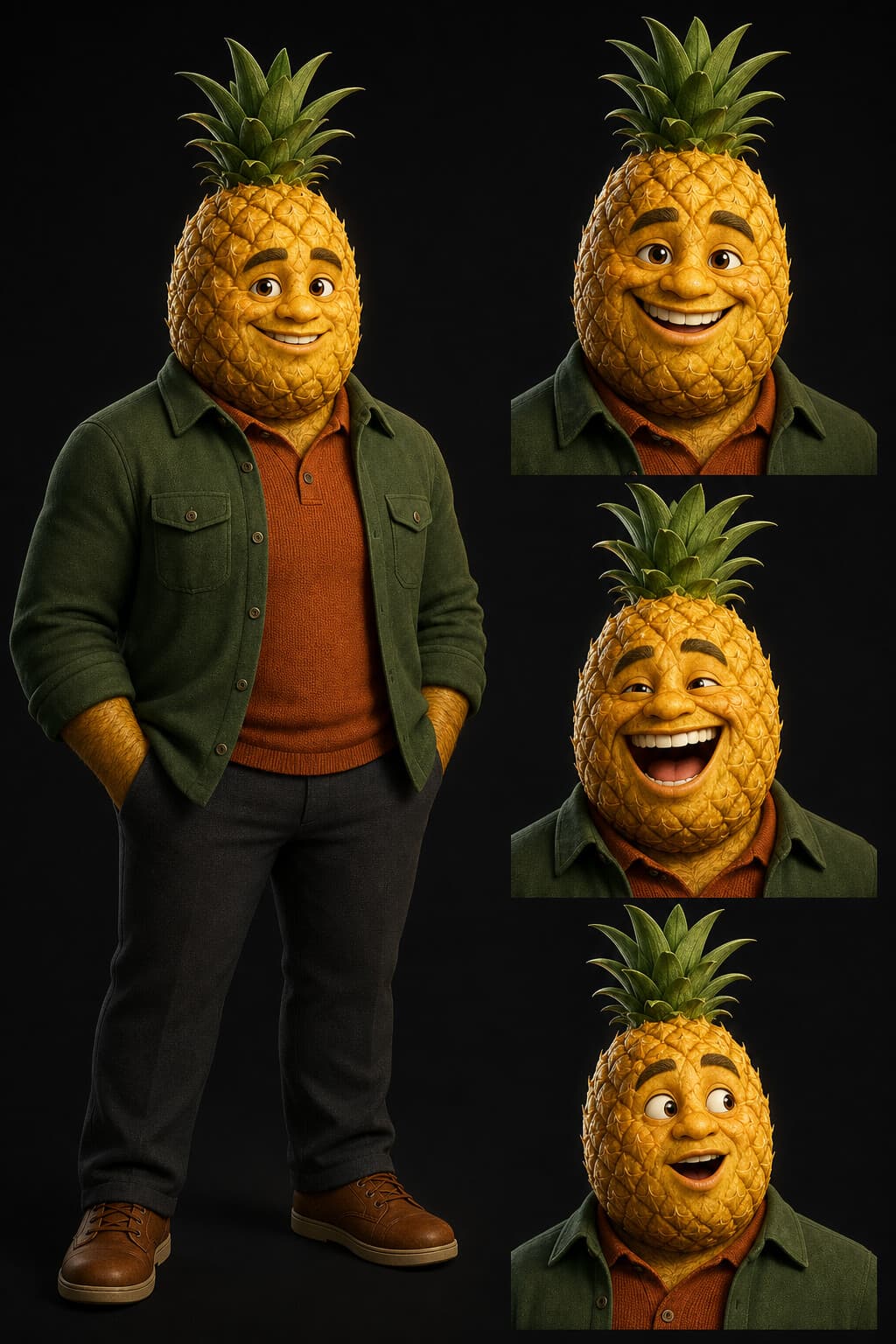
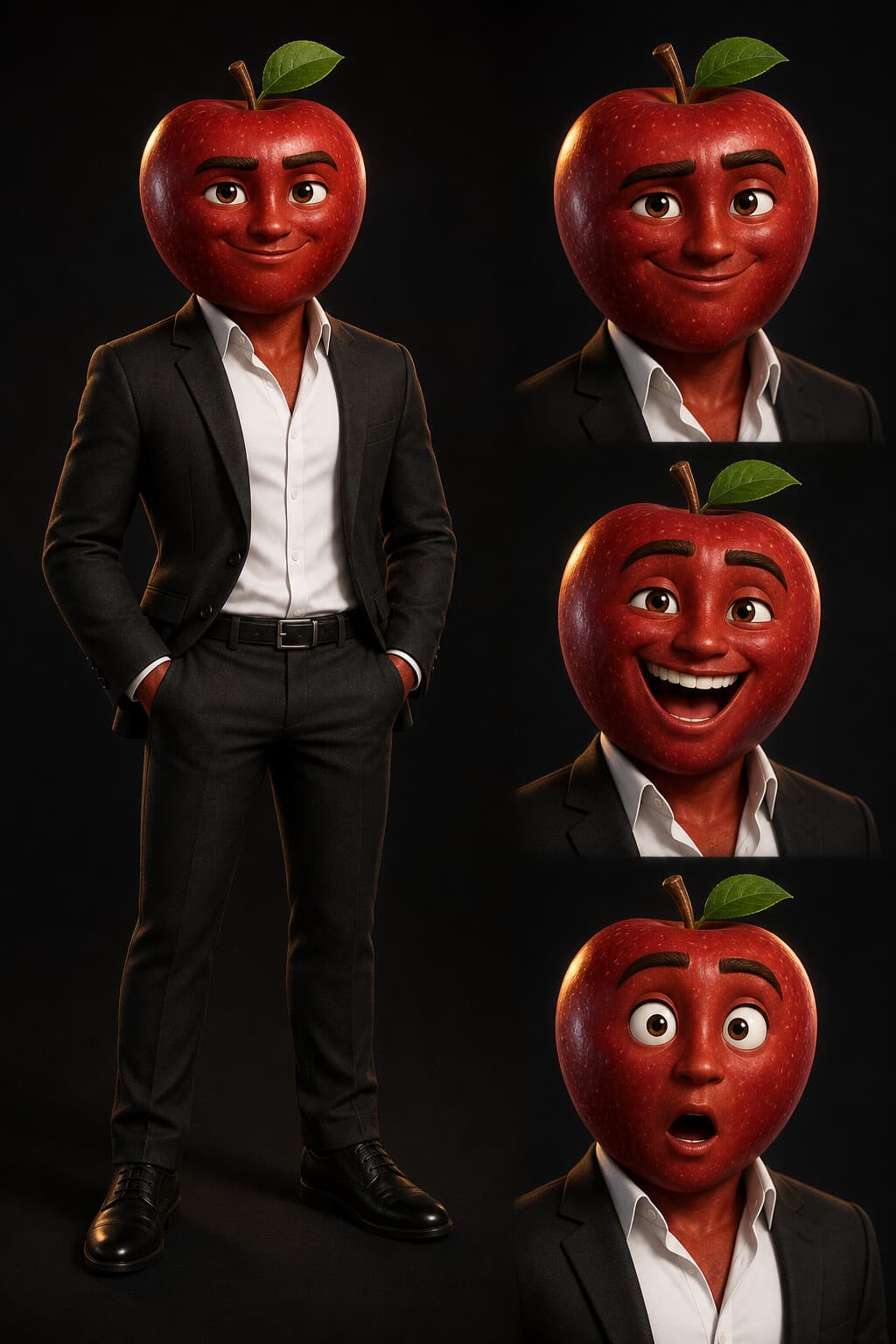
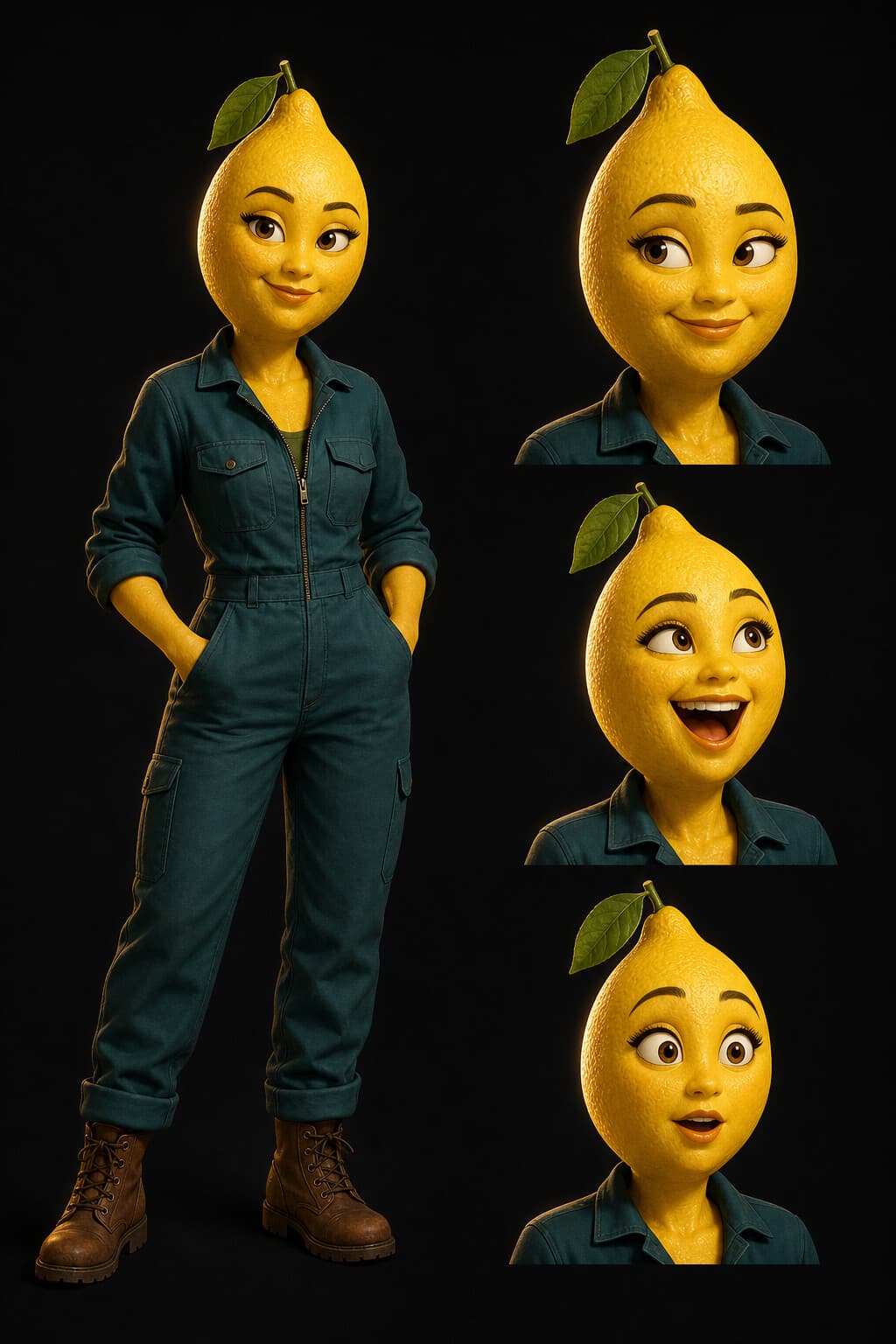
Fruit characters
Choose from prepared fruit identity sheets with multiple expressions, or upload your own character reference. Use one or several characters to give your talking fruit video a clear cast.
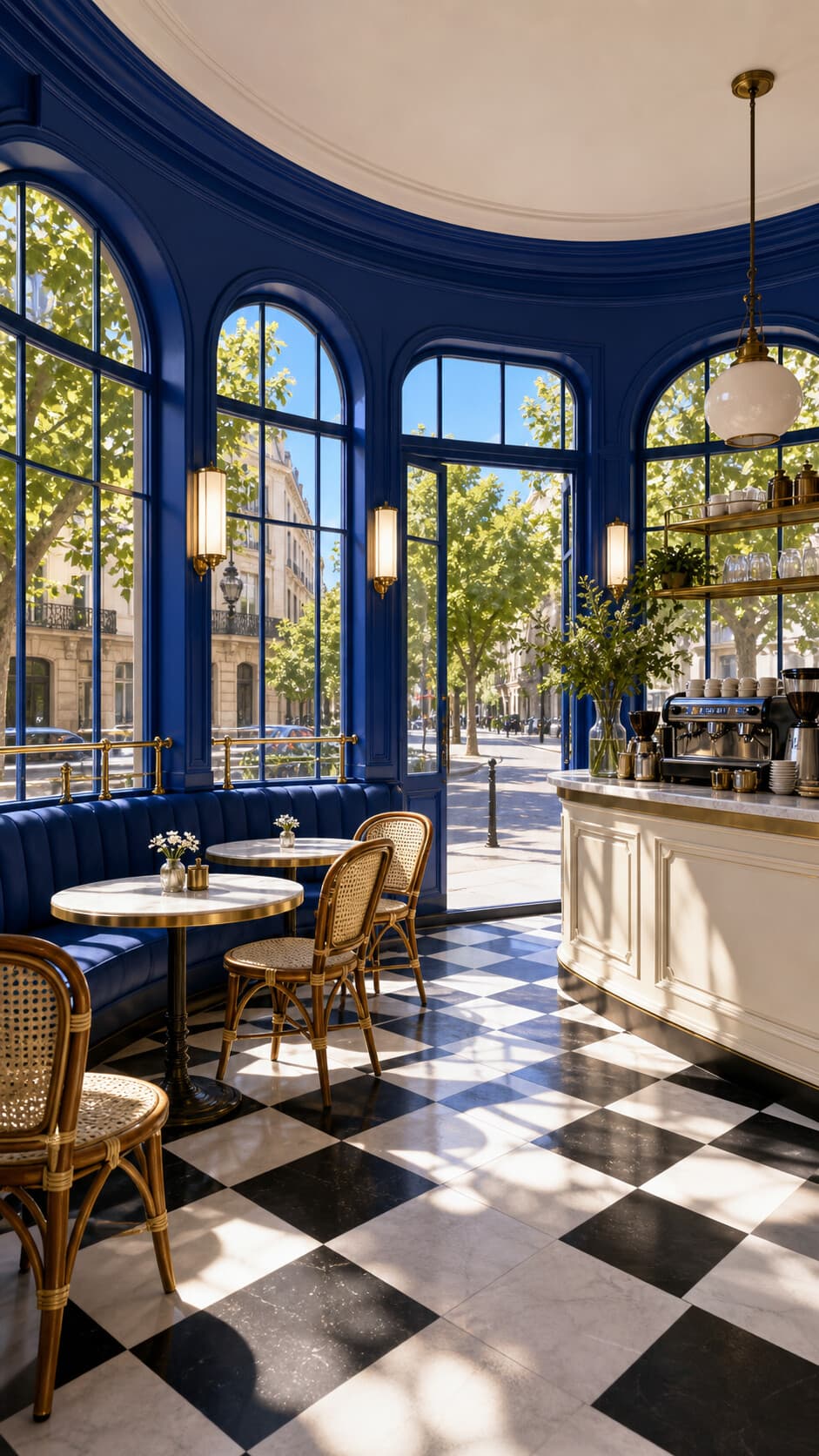
Scene references
Place the same story in a bright apartment, café, office, beach, or city square. You can also upload a scene image when your fruit story needs a specific world.
Story Workshop
Choose a direction, develop the full story with AI, then turn it into a reusable cast and a sequence of clip-ready prompts.
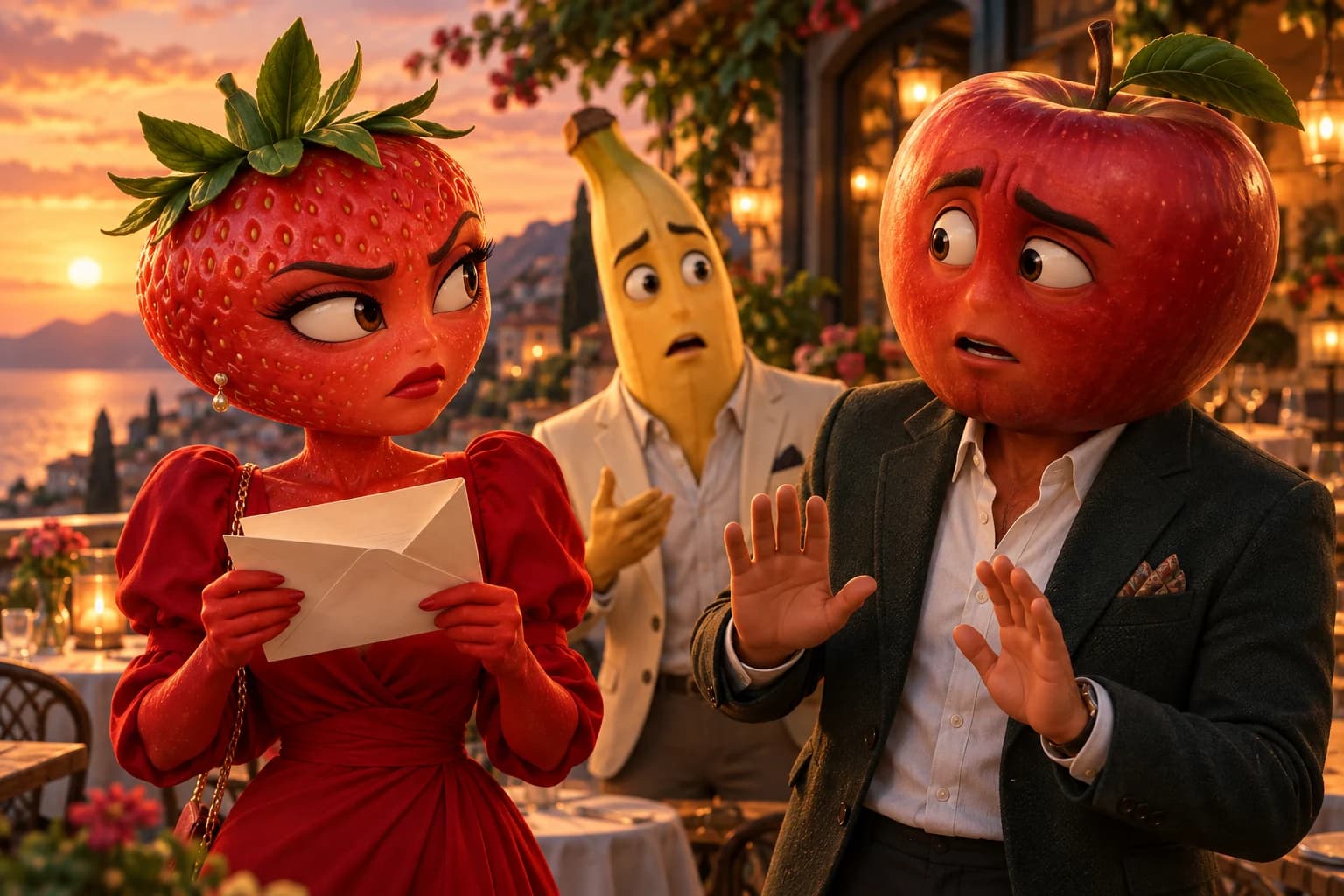
Got a fruit story or scene prompt from ChatGPT? Bring it to AI Fruit Video to create a short fruit movie. Paste your prompt, add reference images if needed, then generate, preview, and download your clip.
For movie ideas and prompt examples, explore .
Paste my ChatGPT storyFrequently asked questions
Get clear answers about references, audio, free access, downloads, and usage rights.
AI Fruit Video is a focused AI fruit video generator for short stories starring expressive fruit characters. Write your story, optionally guide the look with character and scene references, choose the available video settings, and generate one complete clip to preview and download.
Write a short fruit story. If you want more visual control, choose ready-made fruit characters and a scene or upload your own reference images. Then choose the available video settings and let the generator create your clip.
No. You can start from an example story or describe one clear moment in everyday language. Character and scene references are optional, and the generator returns a clip you can preview and download without editing it in another tool.
Yes. Start with one clear conflict, reveal, breakup, or cliffhanger and generate it as a short clip. The dedicated drama page includes purpose-built prompts, real examples, and creator tutorials.
Explore the toolkit
Choose a tool for your next step, then keep your workflow moving.
Create
Plan & finish
Models
AI Fruit Video
Write one clear moment, choose the fruit cast and setting, then see how it plays as a video clip.
Launched on

Actual frames from our test. The guide also covers MiniMax H3 Max and Veo 3.1 Lite, with the original videos and a comparison table.
Optional: guide the look with ready-made fruit characters and scenes, or upload your own reference images.
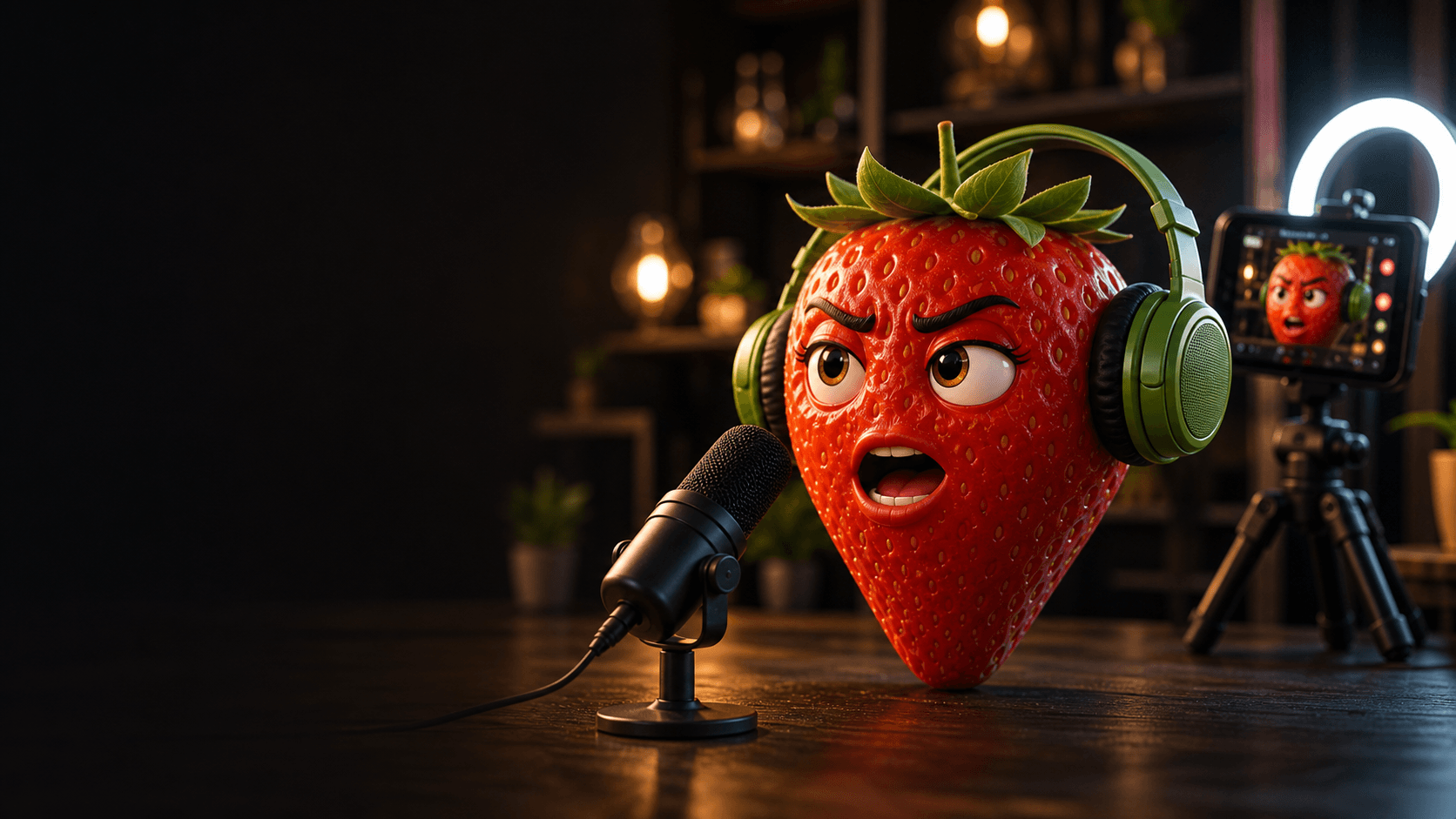
Let the generator create a complete clip, then preview and download it.
10–30 min
First generated clip
Still inside a longer workflow
4+ stages
Before the final video
Content · Cast · Storyboard · Edit


Yes. You can choose from prepared fruit-character and scene images, or upload JPEG, PNG, or WebP references up to 10 MB each.
Reference images help guide character appearance and scene design, but AI generation includes variation. Reusing the same references and writing clear, consistent story directions improves control without guaranteeing identical results across clips.
Some available models create native audio together with the video, while others generate video only. Look for the Native audio label in the model picker before generating.
AI Fruit Video Generator creates downloadable MP4 clips. Duration, aspect ratio, and resolution depend on the selected model. Sign in before generating; the generator shows the available options and required Credits.
You can browse examples and prepare your story for free. Sign in to generate. The generator shows your available balance and the Credits required before you generate.
Yes. You may publish downloaded MP4 clips on TikTok, Instagram Reels, YouTube Shorts, and other compatible platforms. Personal and commercial use are allowed under our Terms and applicable law; you remain responsible for the rights to uploaded material and for reviewing each result before publishing.
Yes. Generate each story beat as a separate clip, then arrange and combine compatible MP4 files in your browser without uploading or re-encoding them. Merge clips with the free MP4 Video Merger.