
 Open in ChatGPT
 Open in Claude
Balloon transformation
A staged inflation sequence guided by visual keyframes.
Post-trained by fal Research
Turn detailed shot briefs into polished motion faster, with stronger prompt adherence and clear visual direction. Plan ordered actions for the MiniMax H3 Max video generator, then check the result against your brief.
Start from a shot briefLoading history…
Story Workshop
Decide how you want AI to help
Choose a conversation starter, review the brief, then open it in your preferred AI chat.
Choose a starting prompt.
1680/5000
Work with the AI to develop a complete story, a character guide, and a prompt for each video clip.
Open in your preferred AI chat.
When your prompts are ready, paste one clip prompt into Simple to generate a video. Assemble your clips in Studio.
Your prepared prompt is sent to the service you choose and may appear in its URL, browser or account history, and logs. That provider's terms and privacy policy apply.
Watch the model work
fal's release gallery shows where its post-training work lands: prompt-led transformations, consistent characters, performance, and kinetic typography.
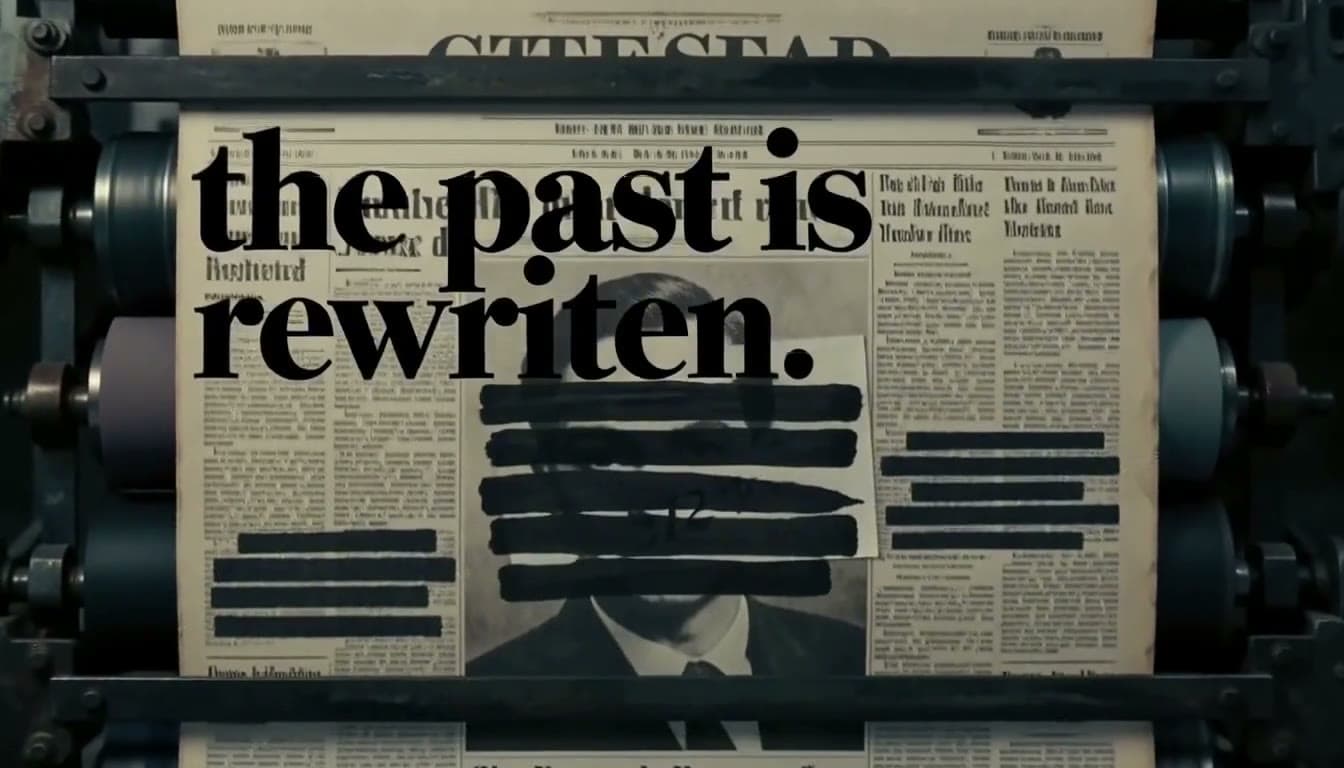
A staged inflation sequence guided by visual keyframes.
A stylized character shot that holds the subject through motion.
A small ensemble performance with synchronized scene energy.
A typographic transition that tests timing and visual adherence.
Media is sourced from the model publisher's official showcase.
Why this model matters
fal tuned MiniMax H3 Max for the moment after the idea is clear: execute more of the brief, return iterations faster, and keep the final frame polished. Use the MiniMax H3 Max video generator to test specific instructions, changing one variable per revision.
Spell out ordered actions, camera movement, dialogue, and constraints in one brief with less simplification. Give MiniMax H3 Max an explicit order so you can spot skipped actions in the video.
fal reports a five-second 768p clip can complete in under three seconds of backend generation time. Use MiniMax H3 Max iterations to compare alternatives; review each video before starting another.
Use a start image and optional end image to direct a product reveal, transformation, or transition. In this MiniMax H3 Max text workflow, describe the final video composition in words.
Keep subject identity, materials, lighting, and composition coherent while the action unfolds. Check the MiniMax H3 Max video for changes in clothing or materials during movement.
Start with direction
MiniMax H3 Max is built for dense, ordered direction. Start with one of these shot briefs, then tune the timing, framing, movement, and look in the generator. Each MiniMax H3 Max video generator starter gives you a specific detail to review.
A precise sequence of actions with a clean final beat. Check whether MiniMax H3 Max preserves the handoff and final signal in the video.
Fast product variations with explicit brand framing. Use the MiniMax H3 Max video generator to compare lighting while keeping the product framing fixed.
A text-directed transformation with an exact landing frame. Ask MiniMax H3 Max to preserve the room layout as the video moves into night.
Gesture, reaction, and camera instructions in one take. In the MiniMax H3 Max video generator, check the pause before refining the final reaction.
Same foundation, different priorities
Choose MiniMax H3 Max for faster 480p or 768p iteration and stronger adherence to detailed shot instructions. Choose base MiniMax H3 for its broader editing story and up-to-2K path. Compare a MiniMax H3 Max video against the same brief, with identical actions and framing.
Best for
MiniMax H3
Omni-modal control and a higher-resolution finish
H3 Max by fal
Fast, prompt-faithful iteration
Resolution
MiniMax H3
Up to 2K through regeneration
H3 Max by fal
480p or 768p
Direction
MiniMax H3
Text, frames, images, video, and audio
H3 Max by fal
Text, start/end images, and references
Core strengths
MiniMax H3
Reference control, native stereo, and editing
H3 Max by fal
Speed, adherence, aesthetics, and visual coherence
Prompt recipe
A strong video brief reads like compact direction, not a bag of style words. Give the model an ordered scene it can execute.
Straight answers
fal Research post-trained MiniMax H3 Max on the open-weight MiniMax H3 base model and co-optimized it with fal's inference team. MiniMax did not release H3 Max as a separate base model. The MiniMax H3 Max video generator uses the variant name; fal remains the developer of that variant.
fal positions MiniMax H3 Max around higher throughput, stronger prompt adherence, and improved aesthetics. The base MiniMax H3 page emphasizes broader multimodal editing and an up-to-2K regeneration workflow. Judge a MiniMax H3 Max video on the requested action, then compare its visual finish.
fal exposes text-to-video, image-to-video with an optional end frame, and reference-to-video endpoints for MiniMax H3 Max. This page's generator uses the text-to-video route. For this MiniMax H3 Max video generator, describe the subject and scene directly in text.
fal lists 480p and 768p output for MiniMax H3 Max, with clips from 5 to 15 seconds at 24 FPS. Match your MiniMax H3 Max video brief to the selected duration before adding more actions.