
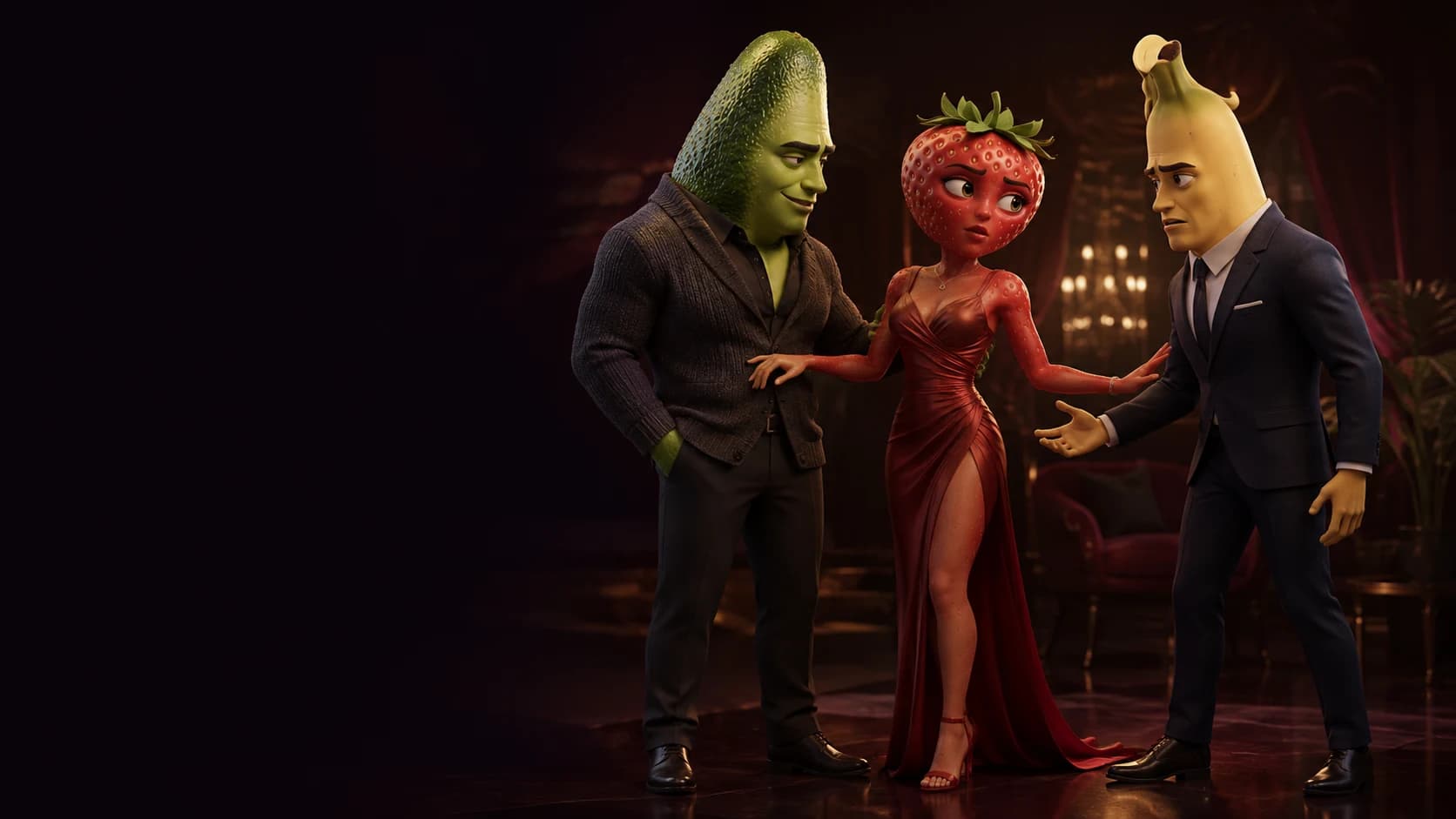
Your story. Your cast. Your fruit movie.
Fruit Movie Maker
Turn your idea into an AI fruit movie.
Start with a movie ideaLoading history…
Story Workshop
Decide how you want AI to help
Choose a conversation starter, review the brief, then open it in your preferred AI chat.
Choose a starting prompt.
1680/5000
Work with the AI to develop a complete story, a character guide, and a prompt for each video clip.
Open in your preferred AI chat.
 Open in ChatGPT
 Open in Claude
When your prompts are ready, paste one clip prompt into Simple to generate a video. Assemble your clips in Studio.
Your prepared prompt is sent to the service you choose and may appear in its URL, browser or account history, and logs. That provider's terms and privacy policy apply.
Turn a story into one scene
- Story idea
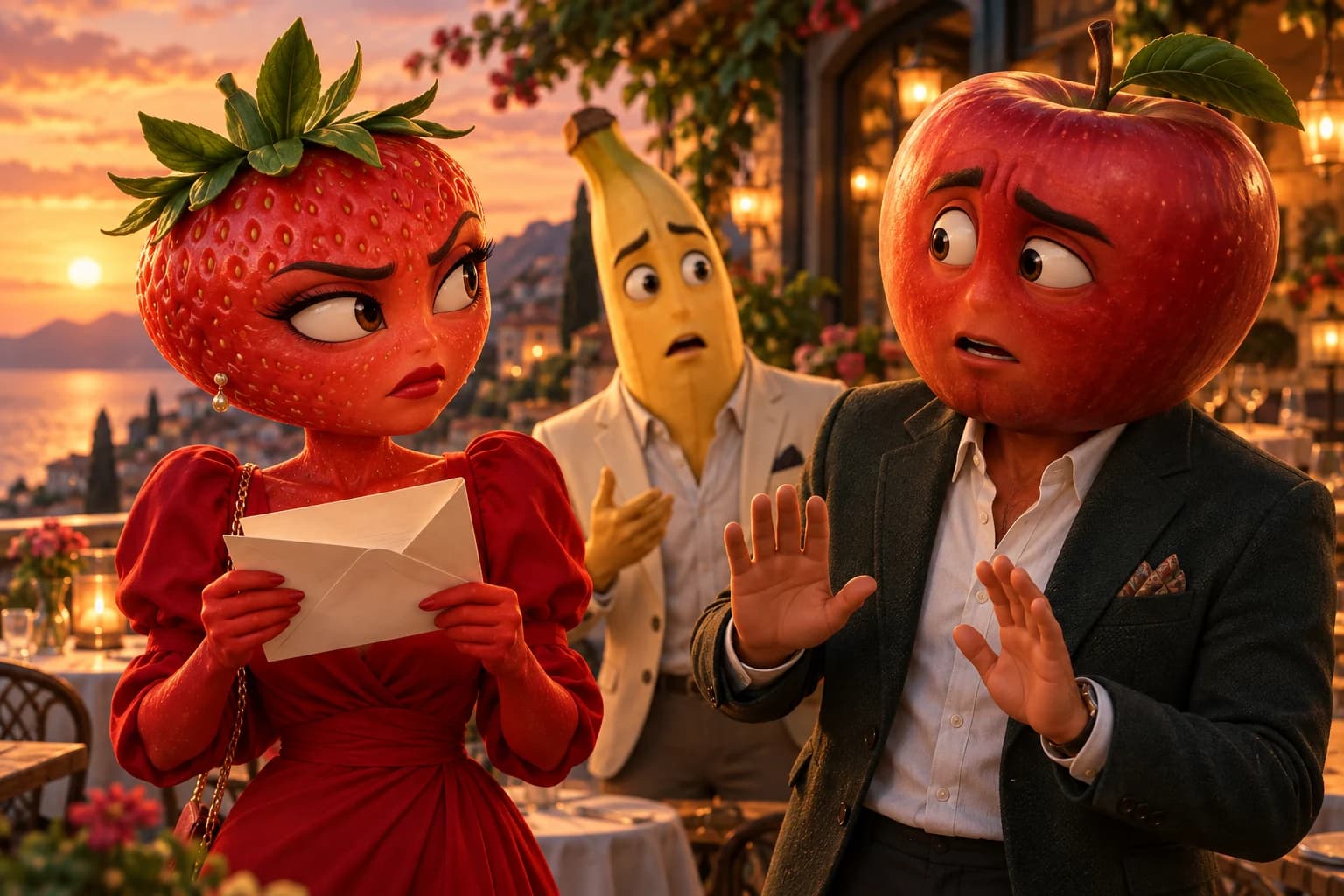
- A strawberry finds a secret letter from a banana and goes to a cafe to confront them.
- Scene to paste into Story
- At sunset in a fruit cafe, a strawberry unfolds a letter, then looks up at the banana across the table. The camera slowly moves closer.
Turn your ChatGPT fruit story into a video
Got a fruit story or scene prompt from ChatGPT? Bring it to AI Fruit Video to create a short fruit movie. Paste your prompt, add reference images if needed, then generate, preview, and download your clip.
If ChatGPT gave you a longer story, choose one moment to turn into a clip. Describe the characters, setting, and action for that scene, then paste it into the Story field above.
Paste my scene into StoryYour opening scene
Pick a fruit movie
Choose a genre and we will load its full story into Quick. Edit any detail before you generate. Use Fruit Movie Maker to make the idea your own: change the goal or ending while keeping the scene easy to follow.
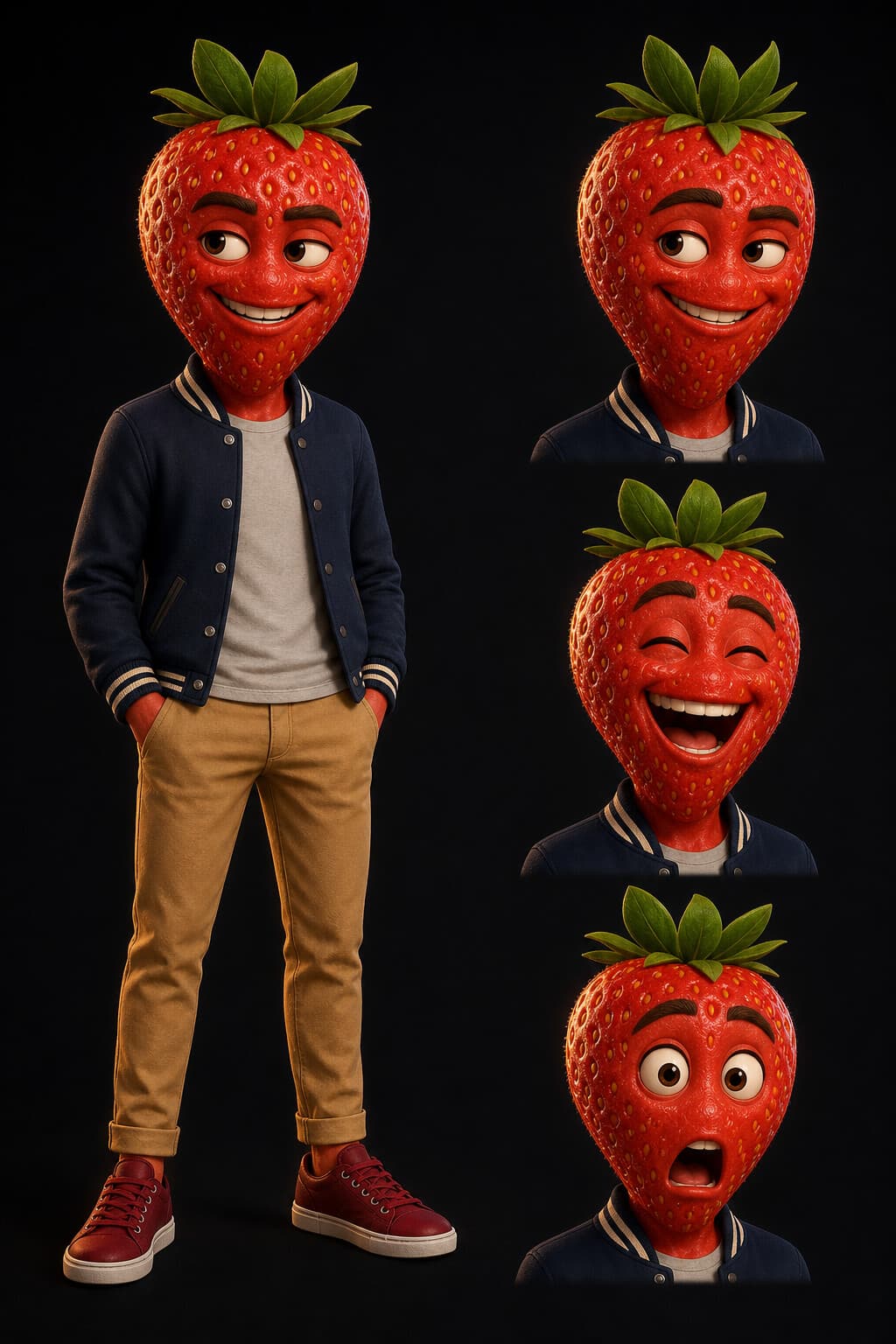
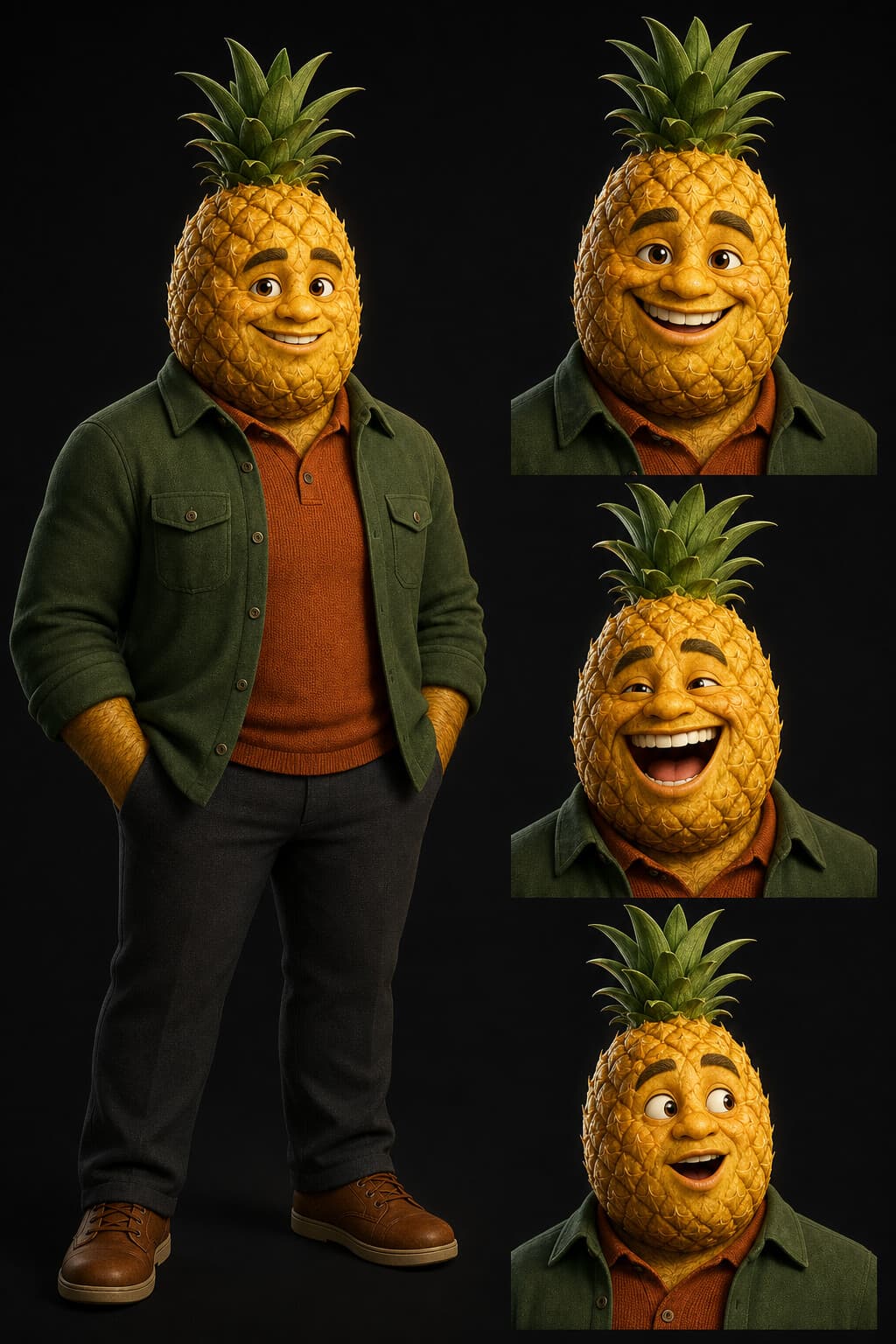
Cast and location
Direct every detail
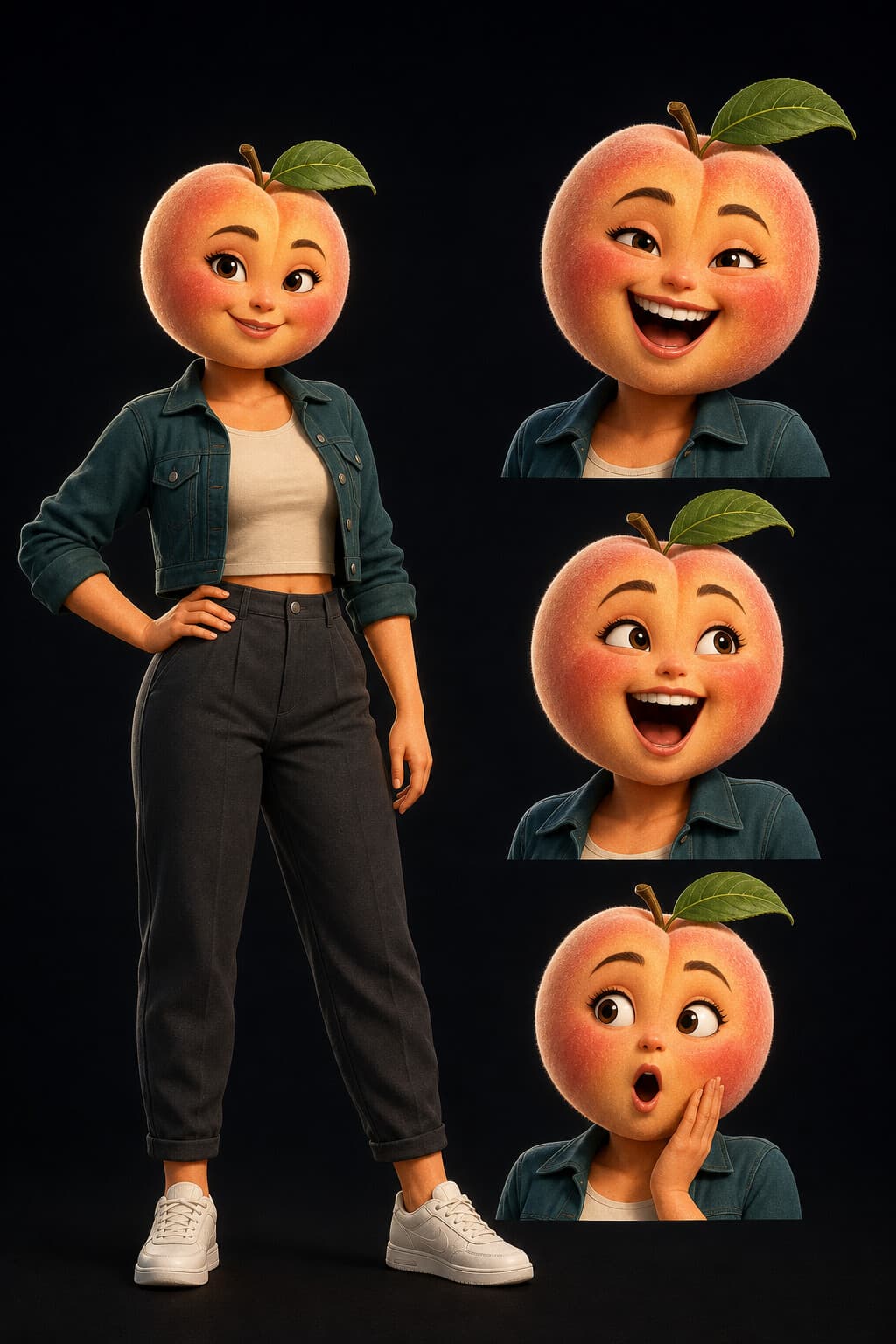
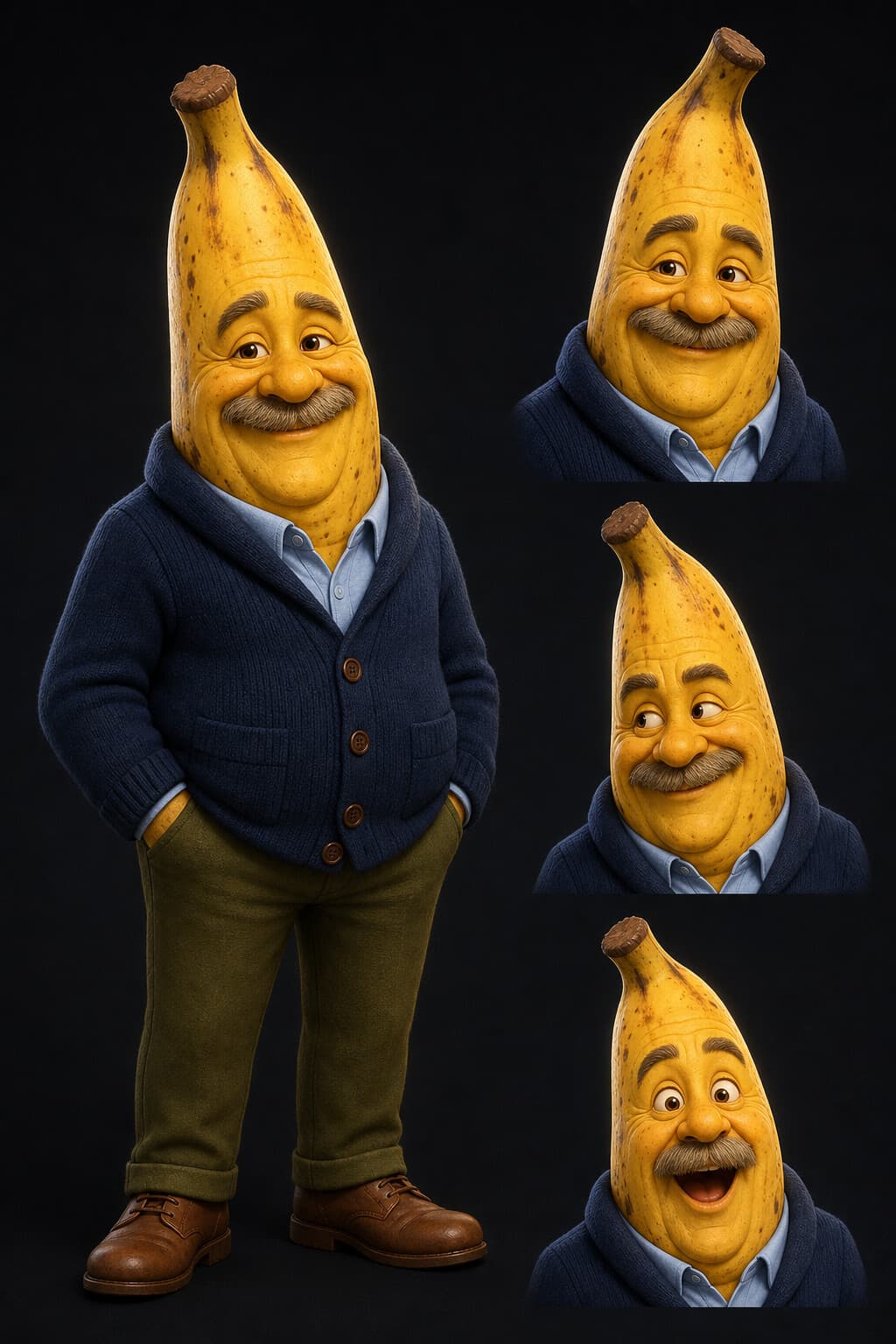
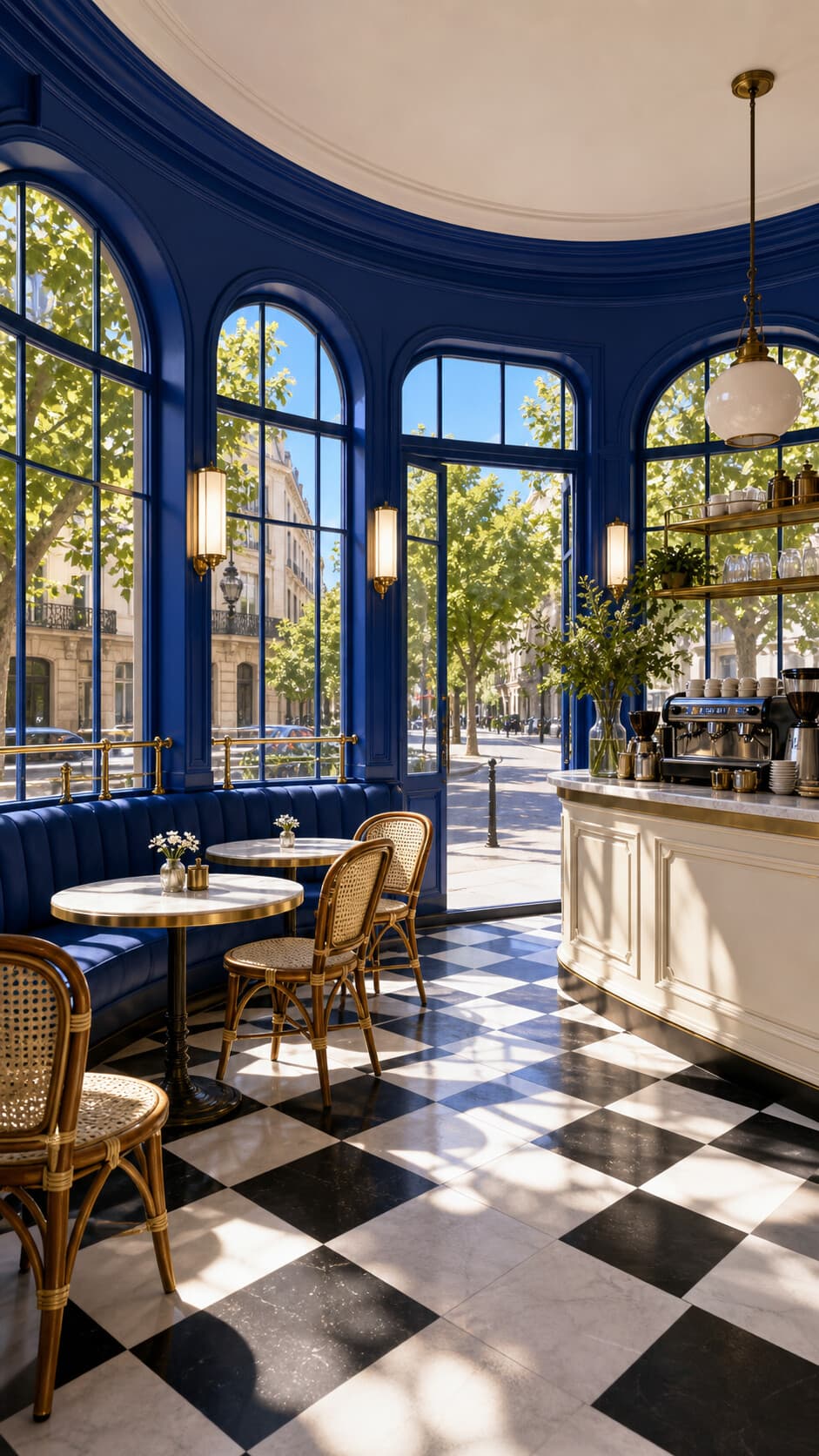
References help the generator keep the same character and setting in view. Use the prepared cast and locations, or upload your own images in Simple mode. In Fruit Movie Maker, make each reference serve a purpose: one for the fruit character, another for the place where the movie happens.

Real generated examples
From prompt to final cut
These are first-party generations made from the same story ideas above. Press play to judge the motion, framing, and character performance yourself.
- Seedance 2.0 Mini
- Seedance 2.0 Mini
- Seedance 2.0 Mini
A simple production flow
How to make a fruit movie
The whole path stays in one workspace. No prompt shuffling, separate editor, or manual export step.
- 01Start with the storyWrite your own scene or load a complete prompt from a poster.
- 02Direct the lookAdd character and location references when the look matters.
- 03Make the final cutChoose the settings, generate, preview, and download the MP4. Make the movie end on a clear reaction.
Before you roll camera
Fruit Movie Maker FAQ
What should I put in the movie prompt?
Describe the fruit characters, what happens, any dialogue, the camera, and the mood. Or choose a movie poster above to load a complete starting prompt. In Fruit Movie Maker, make one fruit character want something visible, such as a strawberry trying to hide a birthday cake. Give the movie a beginning, a change, and a final reaction. Make the dialogue short enough to fit the moment. Instead of asking the movie maker for an entire adventure, describe the movie scene you want to see first. A glance, a dropped prop, or a sudden entrance can make that movie scene work without a long explanation.
Can I use my own fruit characters?
Yes. Open Simple mode to upload your own character or scene images, or use the prepared references in the tool. Before you make a fruit movie, choose images that clearly show the face, shape, and clothing you want to keep. In Fruit Movie Maker, describe those same details in the prompt so the image and words agree. Make one change at a time when testing a new look. A reference guides generation; it does not guarantee an identical fruit character in every movie. Keep a short character note to reuse when you make the next scene.
Can I choose the video format?
Choose any available model, length, format, and resolution shown in the generator. The tool keeps the current options and required Credits visible before you generate. Plan where people will watch the fruit movie before you make it. A portrait movie needs room for the fruit character to move without leaving the frame. A wider movie can give two characters space to react together. Use Fruit Movie Maker to test the action at the selected length, and make the scene simpler if it feels rushed. Make sure the final expression has time to register instead of ending the movie halfway through a gesture.
What happens after I generate?
The same workspace shows generation progress, plays the finished video in Preview, and keeps the active result available in Results. Treat the first fruit movie as a take to review. Check whether the fruit character performs the requested action, whether the camera follows it, and whether the ending makes sense. Make a note of the one thing you want to change. Then return to the Fruit Movie Maker prompt and make that revision before generating another movie. Keeping the rest of the brief steady makes the results easier to compare, especially when you are testing a small gesture.
Can I download my fruit movie?
Yes. When generation finishes, you can preview the result and download the MP4 from the same tool. Before leaving Fruit Movie Maker, watch the fruit movie through once and make sure you have selected the take you want to keep. Check the opening frame and the final reaction. Make a local copy of the downloaded movie if you plan to use it later. To make a longer fruit movie, use the linked MP4 Video Merger to arrange compatible clips. Make the end of one scene lead into the next; downloading a clip does not automatically edit several scenes together.