
5.2M plays · 915K likes
The white-kitten version
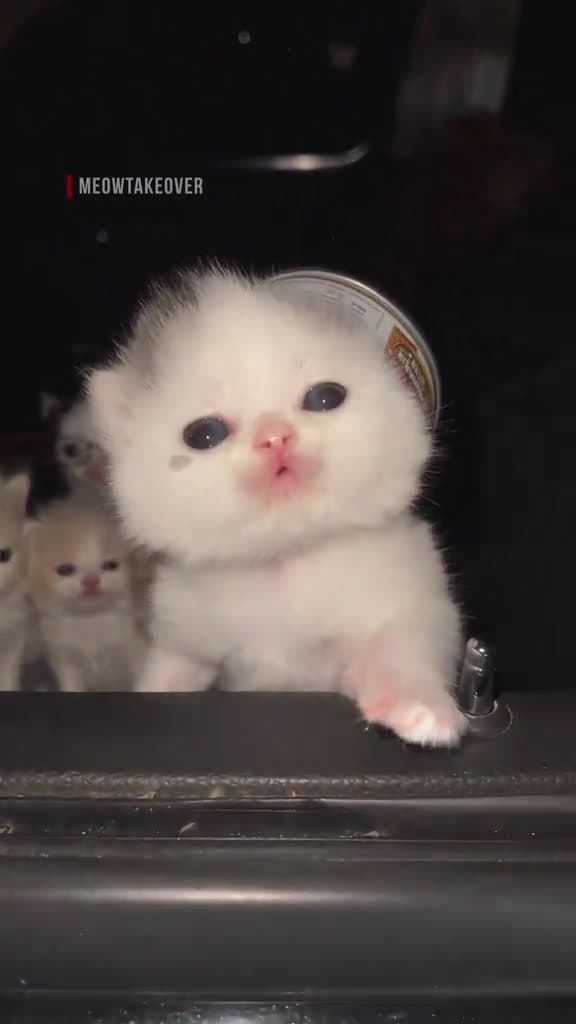
The reference for this template. Night car window, tilted food can, puzzled reactions and original dialogue.
Watch@meowtakeover on TikTokExploreFruit remixes
Give the “What stop sign?” misunderstanding an unexpected fruit cast. Describe your character or upload a photo, choose an original scene, then make your own driver swap.
Two original scenes · 9 or 15 seconds · Prompt edits from 18 credits. Sign in to generate.
Loading history…
Original TikTok examples
Our fruit result is above. These creator posts show the recorded misunderstanding and the window-side performance behind the trend. The white-kitten clip is the source for this tool’s fixed template.
5.2M plays · 915K likes
The reference for this template. Night car window, tilted food can, puzzled reactions and original dialogue.
Watch@meowtakeover on TikTok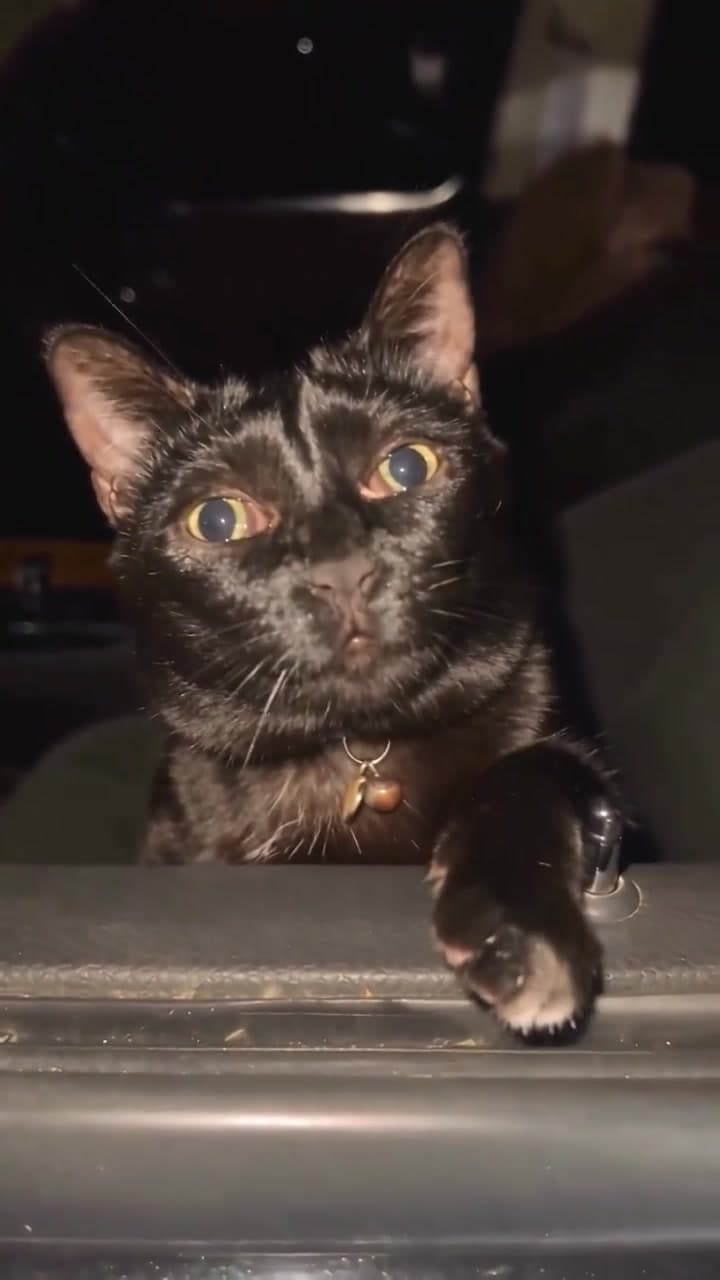
2M plays · 292.3K likes
Another popular window-side remix, with a black cat's squints and raised-paw reactions.
Watch@salem.after_dark on TikTokTikTok counts checked October 24, 2026. This is a researched selection, not a global ranking. Images are frames from the linked creator clips. Original bodycam: Daytona Beach Police Department.
More Stop Sign remixes
A fresh scene or a familiar performance with a new cast: there is more than one way to remix the traffic stop. Watch our original banana skit and earlier driver edit alongside the kitten-scene result above.
12 seconds · Seedance 2.0 Mini
Our earlier banana in a grey hoodie, with a daylight traffic stop, newly generated dialogue and a drive-away ending.
AI Fruit Video · Original generated fruit remix
11 seconds · FLUX Video Edit
The earlier night-time banana edit keeps the dog version’s camera approach, car window, gestures and recorded dialogue.
These public trend references show the orange-car scene with a new face or pet driver, plus the daylight drive-away variation. Play with sound to hear each version.
11 seconds · Face-swap-style reference
A different face in the orange sports car, with the familiar confused exchange and car-window performance.
Public AI trend reference · Media.io
11 seconds · Pet driver reference
The same orange car, camera movement and dialogue, with a curly-haired dog taking the driver’s place.
Public AI trend reference · Media.io
9 seconds · Drive-away variation
A daylight traffic-stop variation: the officer gives instructions and the white dog drives away.
Public AI trend reference · Media.io
Make your own fruit version with the night-window kitten template in the generator above.
How it works
Choose Prompt to describe your character, or Image to upload a photo. You do not need to write or edit a prompt when using a photo.
Pick the night-window kitten conversation or the daylight drive-away. Prompt edits preserve the recorded scene and sound; photo remakes generate new motion and sound from the opening frame.
Click Generate once. For a photo, we create your character's first frame, then automatically generate the video from it. Watch the result with sound, then download it or make another take.
An officer says “I’m about to…” and the driver hears “Stop sign?” The increasingly baffled conversation is the joke. AI versions replace the driver with an unlikely character while keeping the recorded exchange.
Choose the 15-second night-window kitten conversation or the 9-second daylight drive-away. Prompt edits the selected original video; Image places your character into its opening frame, then generates a new video. Other gallery videos remain examples for inspiration.
Prompt mode sends your selected original clip and character description to FLUX Video Edit. Image mode uses Nano Banana 2 to replace the driver in the opening frame using your photo, then Seedance 2 Mini animates that frame. Both steps run after one click.
Prompt mode asks the editor to keep the selected scene, camera sequence, performance timing, original sound and ending while replacing the driver. Image mode uses the selected opening composition and your character photo, with new motion and sound; it does not preserve the original clip frame by frame. Review character consistency and mouth movements.
Choose Prompt to describe a character, or Image to upload a JPG, PNG or WebP photo. Image mode uses the photo directly to generate the first frame, then automatically generates the video. You do not need to edit a prompt or confirm an intermediate step. The selected scene determines the length and format.
The daylight source includes a drive-away ending; the night-window kitten source stays at the window. Prompt mode edits that recorded sequence. Image mode requests the corresponding ending in a new animation, so the performance can vary.
Prompt costs 30 credits for the kitten scene or 18 for daylight. Image first creates a frame for 3 Paid credits, then generates video for 60 credits (kitten) or 36 (daylight). Both charges are shown before generation. A saved first frame is reused when retrying the same video. Sign in to see your balance; existing history and downloads work as usual.
The fruit recast
That look. That pause. That little hand in the air. Keep the performance you came for, and put an unlikely fruit in the starring role. Start by watching the source beside our banana edit.
Play each with sound. Listen for the same voices and pauses.
Source by @meowtakeoverThis pair shows the 15-second kitten template and a completed banana edit. New edits can vary in appearance and expression. Watch your take before sharing it.
A different fruit, the same part
Choose a character description to load it into the generator. You can edit it before generating. Each choice uses the same kitten scene, original sound and 15-second length.
These are casting ideas. The finished banana video above shows the kind of edit this tool makes.
Tiny red hands. The same enormous misunderstanding.
A leafy crown, a tilted can and a very serious face.
A sour expression suits a driver who refuses to agree.
A round striped driver with the original baffled reactions.
Find the version you remember
A driver arguing at the window and a driver pulling away are different jokes. Pick the scene by its performance and ending. The videos earlier on this page let you compare them.
The kitten squints, gestures and stays at the window. This is the scene loaded in our generator.
Compare source and fruit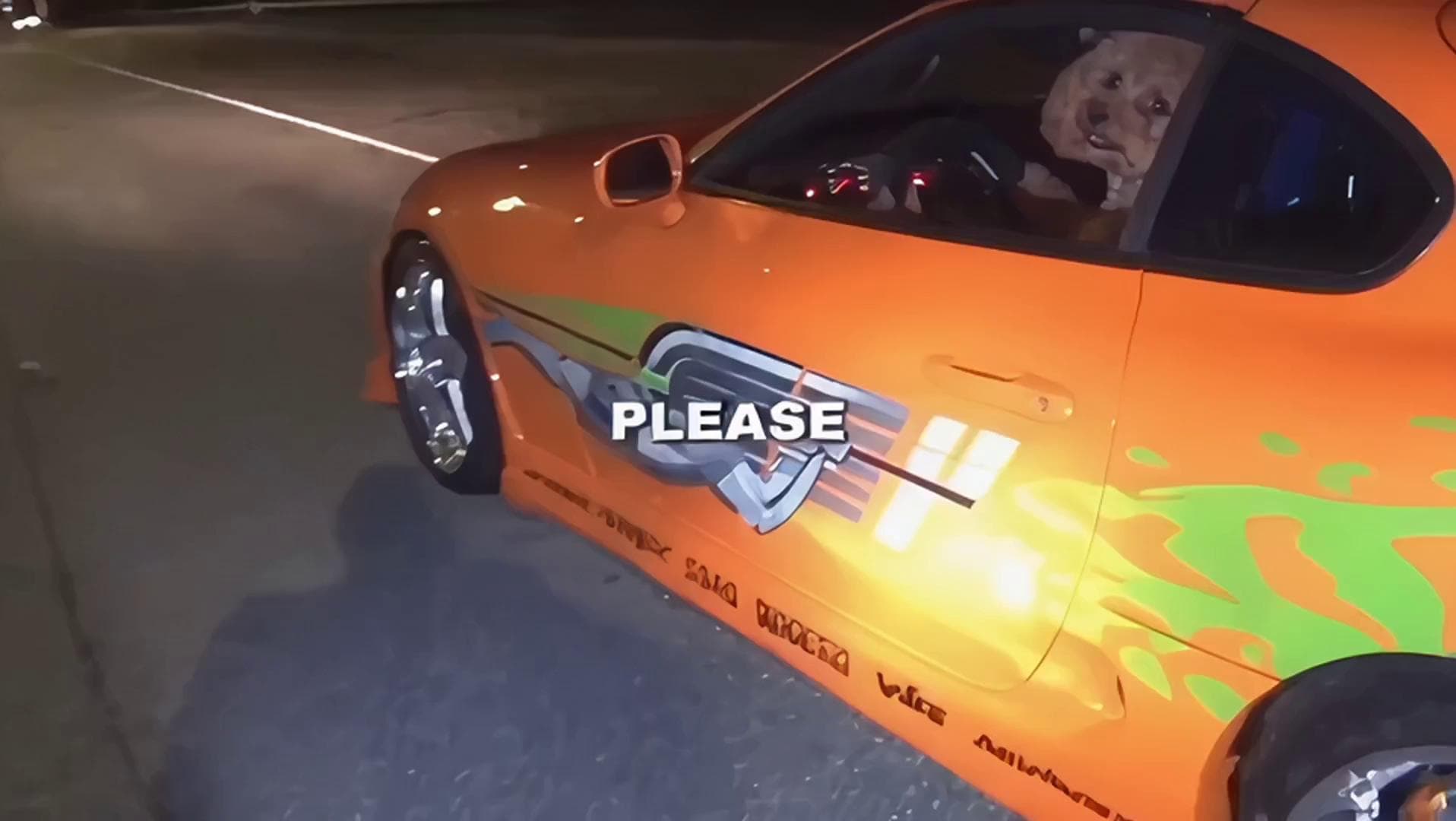
A human and a pet perform the confused exchange in the orange car. Watch these as trend references.
Watch the orange-car version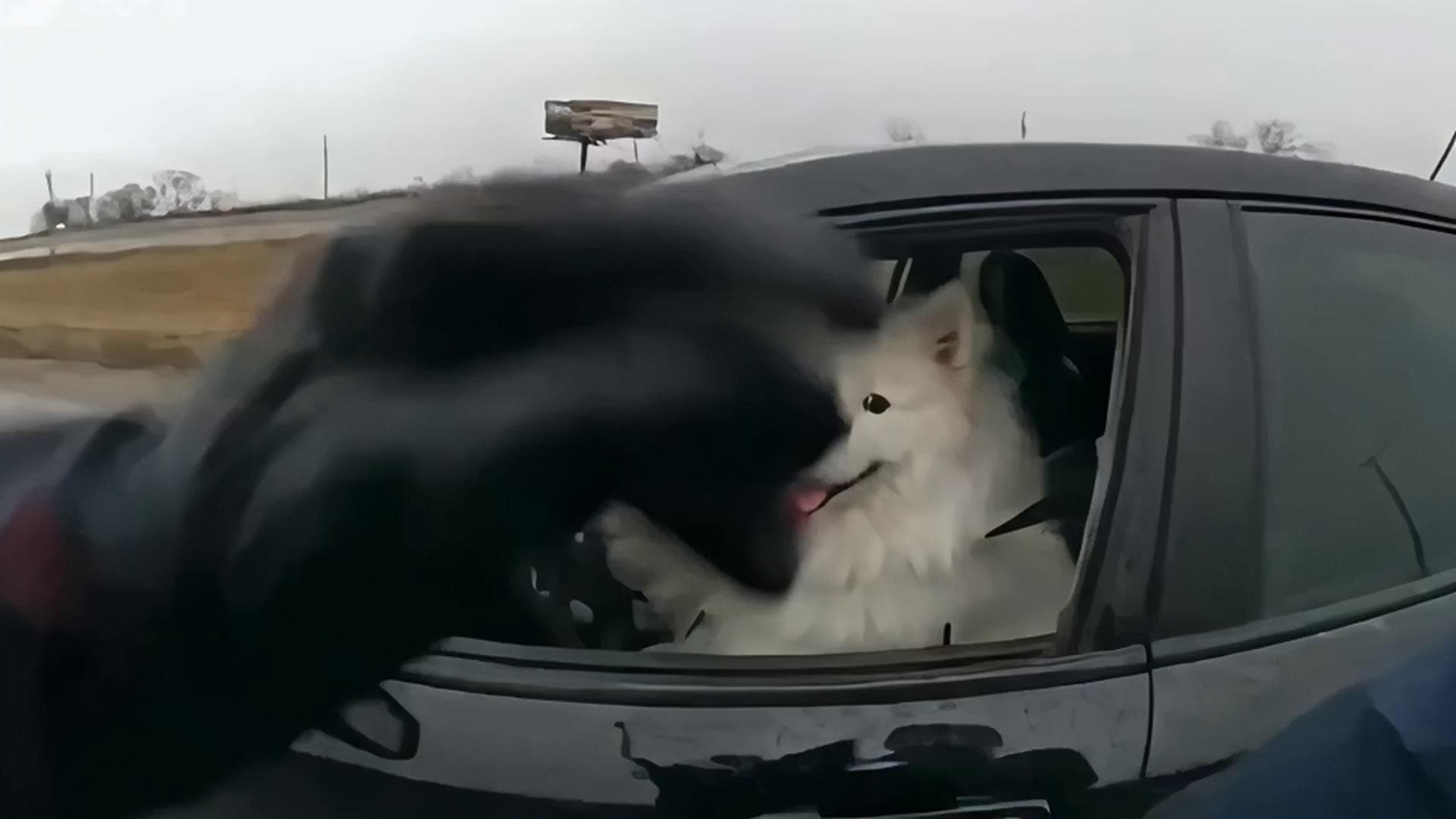
The officer gives instructions, and the dog leaves. Watch this separate ending in the reference gallery.
Watch the drive-away versionRemake a scene
You already like the joke. Keep its recorded exchange, camera and ending. Describe the fruit that takes the driver's place.
Here, that means the fixed night-window kitten clip. The template is already loaded.
Create a new scene
Change the setting, dialogue or ending. Write the action and the reaction that makes it funny, then build it in the fruit video generator.
A new scene can follow your idea, but it will have its own performance and timing.
Open the fruit video generatorKeep making fruit videos
Take a fruit into a whispered betrayal, a tiny snack or a story of your own. These tools create new scenes from your prompts. Each has its own examples and starting ideas.
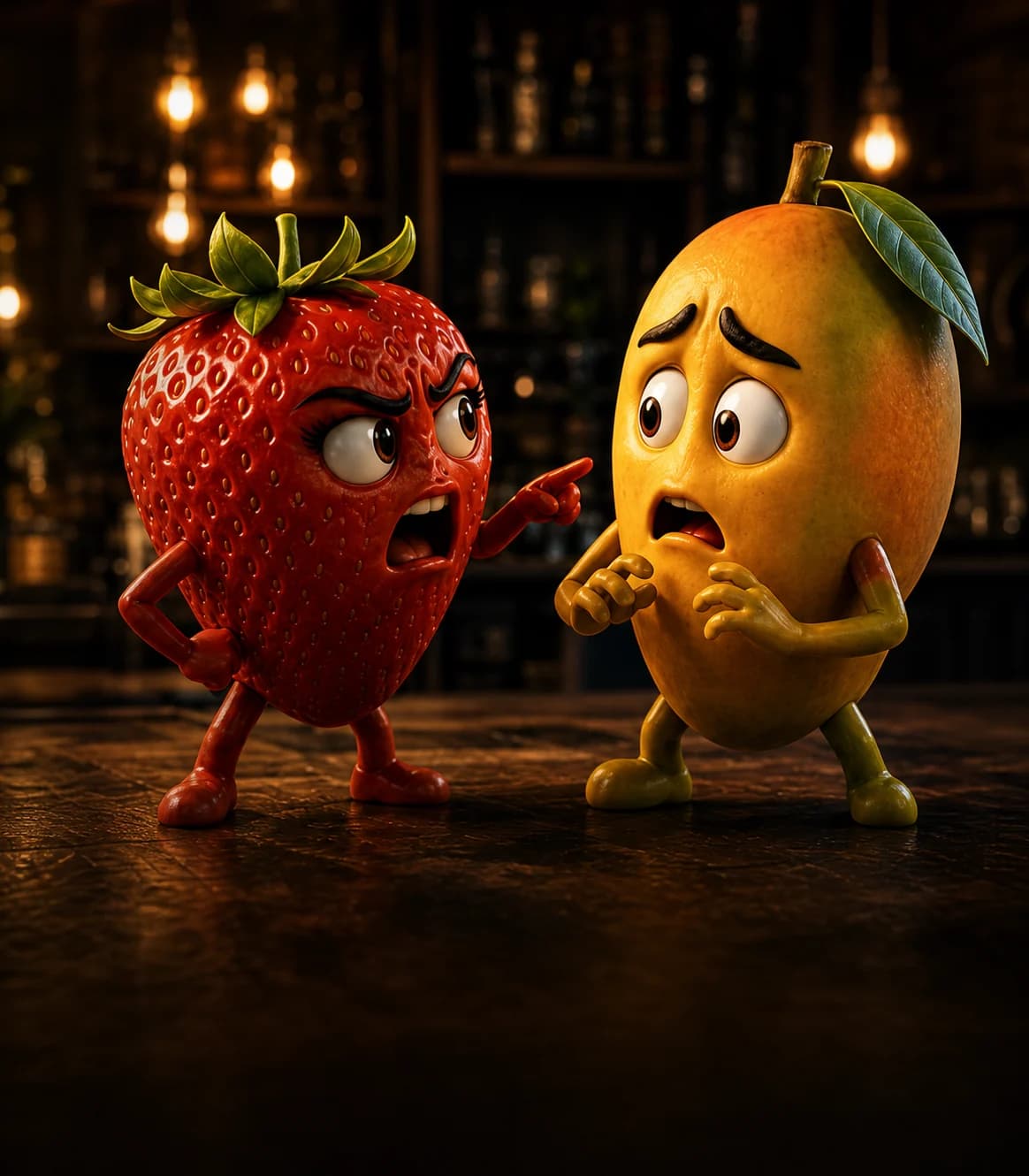
An awkward message. A suspicious glance. A confession at the worst moment. Build a fruit drama around the reaction.
Make a fruit drama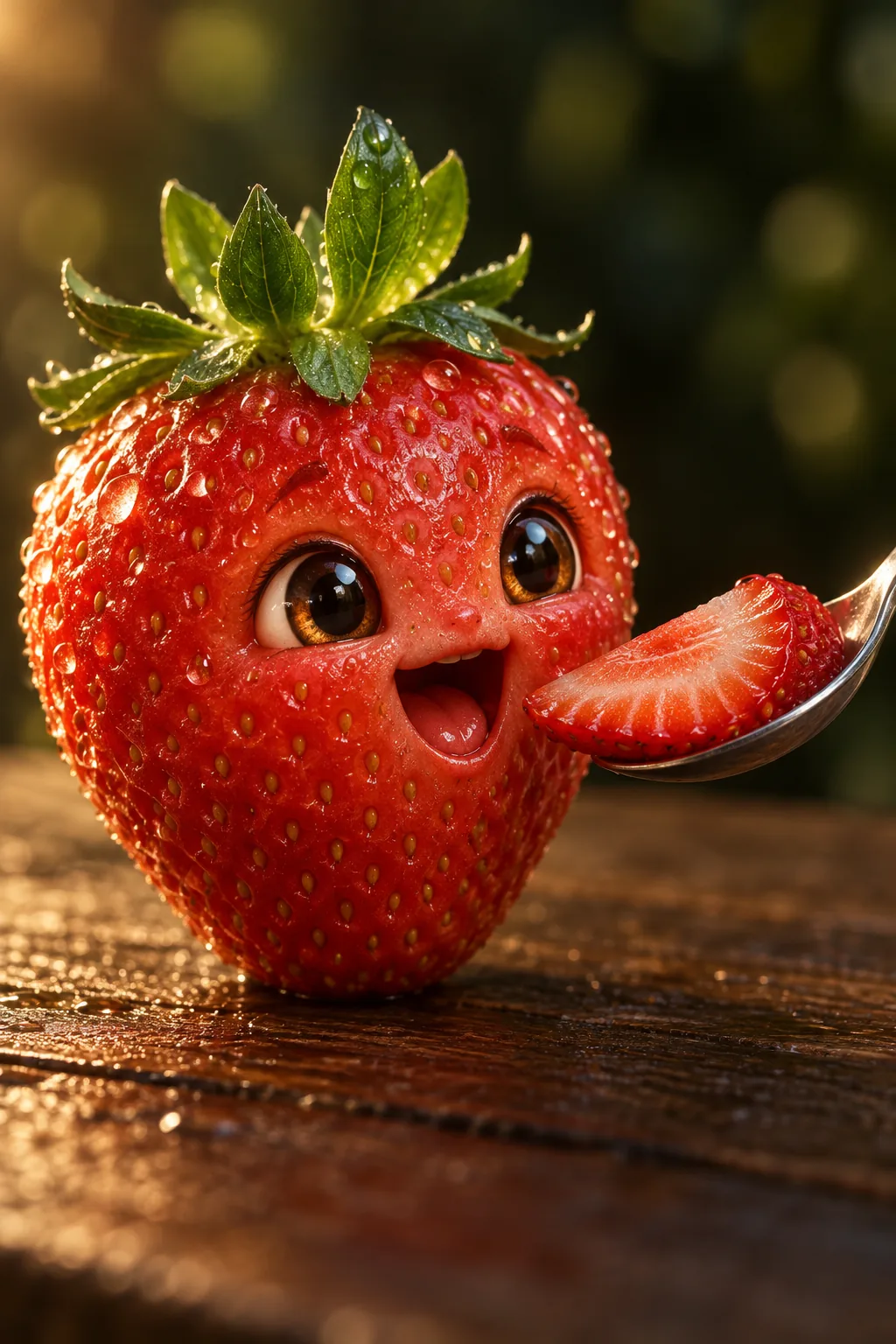
One spoon, one bite and a very expressive face. Try a close-up feeding scene with crunchy or juicy sounds.
Try fruit eating fruit